
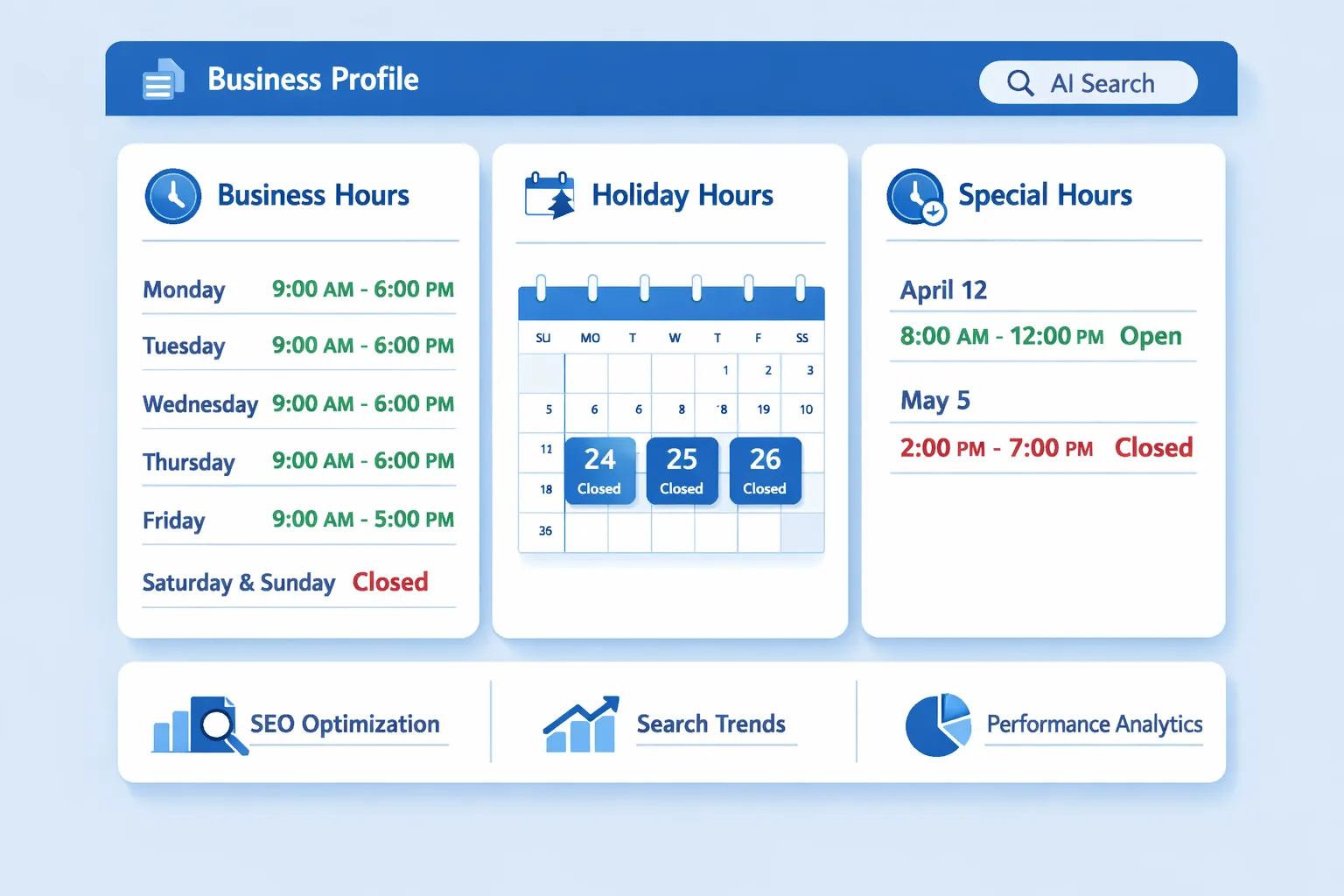
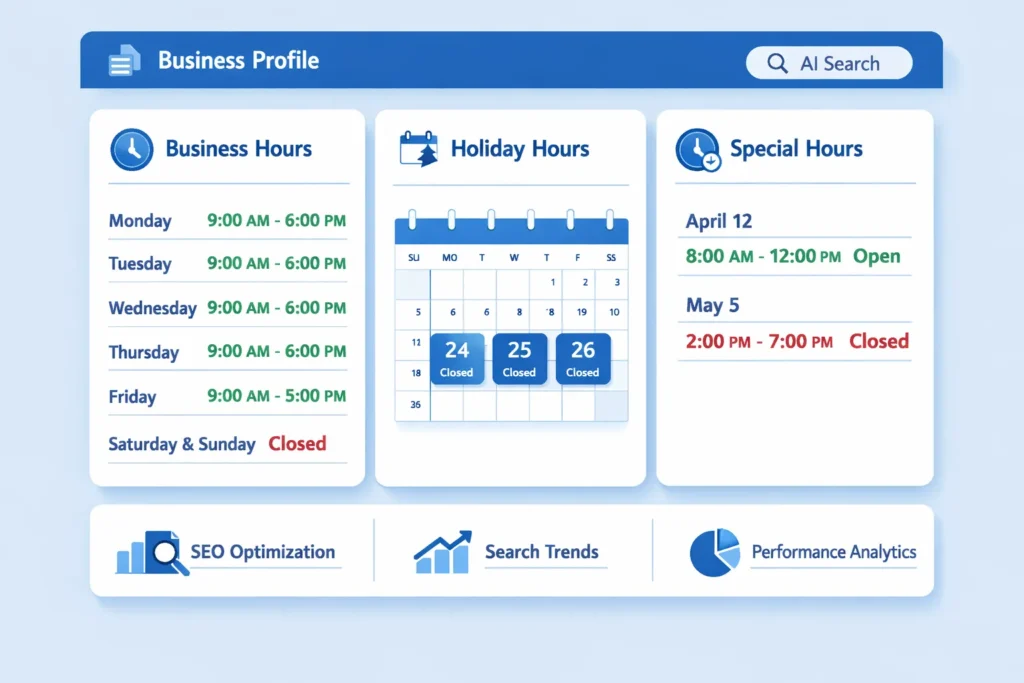
Business Hours (Regular Hours)
Business hours define your normal operating schedule on standard working days. These are the default hours shown across Google Search, Maps, and AI summaries unless overridden.
What they should include
- Opening and closing time
- Days of operation
- Consistent timezone
Best practices
- Keep hours identical across your website, Google Business Profile, and directories
- Avoid vague terms like “Open late” or “Flexible hours”
- Update immediately if hours change
SEO & trust impact
Accurate regular hours improve:
- Local ranking signals
- Click-through rate
- Customer confidence
Incorrect hours lead to negative reviews and reduced visibility.
Holiday Hours
Holiday hours are temporary changes for public or cultural holidays when your business opens later, closes earlier, or remains closed.
Examples
- Closed on New Year’s Day
- Open 10 AM–2 PM on public holidays
- Reduced hours during national festivals
Why holiday hours matter
- Google actively prompts users to confirm them
- AI systems highlight them in answers like “Is this business open today?”
- Incorrect holiday hours are one of the top causes of negative local reviews
Best practices
- Set holiday hours in advance
- Mark “Closed” explicitly if applicable
- Update every major holiday, even if hours don’t change
Special Hours
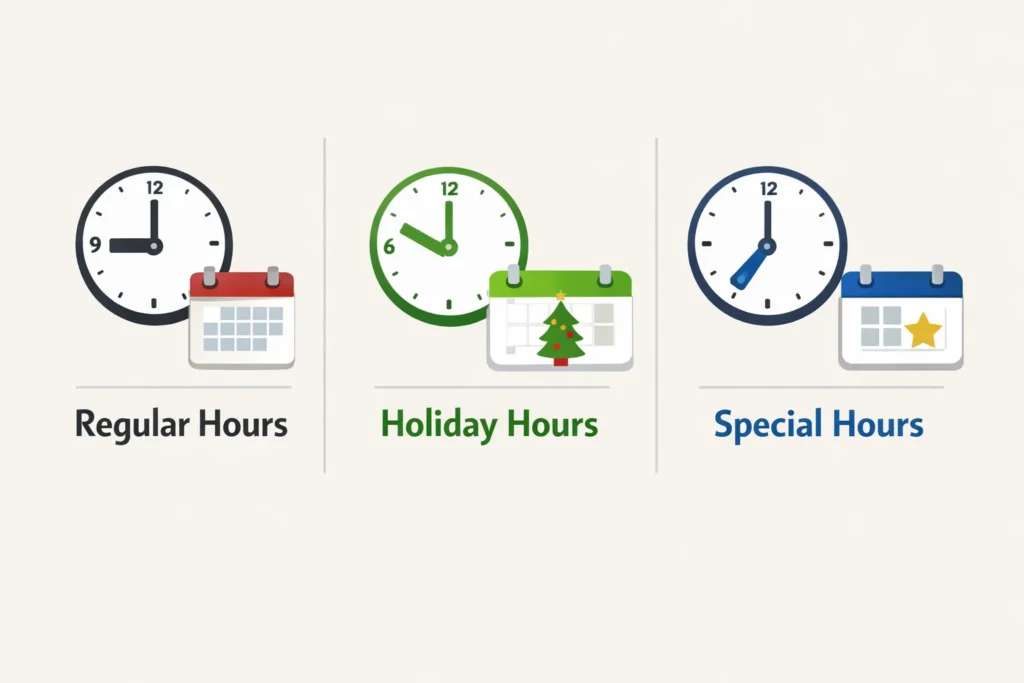
Special hours cover non-holiday exceptions outside your normal schedule.
Common use cases
- Company events
- Staff training days
- Emergency closures
- Extended hours for promotions
- One-day schedule changes
Key difference from holiday hours
- Holiday hours = calendar-based events
- Special hours = situational or business-specific changes
Best practices
- Use special hours for short-term exceptions only
- Add them as soon as the change is known
- Remove or expire them promptly after the date passes
How Google & AI Systems Use Hours Data
Search engines and AI tools rely on hours data to answer intent-driven queries like:
- “Is this business open now?”
- “What time does it close today?”
- “Open SEO agency near me right now”
If your hours are missing or inconsistent:
- You may be filtered out of “Open now” results
- AI answers may be wrong or skipped
- Trust signals decline
Accurate hours help Google confidently surface your business.
Common Mistakes to Avoid
- Leaving holiday hours blank
- Forgetting to reset special hours
- Showing different hours on website vs Google Business Profile
- Using text like “Call for hours” instead of real data
These errors directly hurt visibility and customer trust.
Quick Setup Checklist
- ✅ Set regular business hours clearly
- ✅ Add holiday hours for every major holiday
- ✅ Use special hours only for temporary changes
- ✅ Keep hours consistent everywhere
- ✅ Review hours quarterly (minimum)
Bottom Line
Hours, holiday hours, and special hours are not minor details. They are high-impact trust and visibility signals for search engines, AI systems, and real users.
Keeping them accurate protects rankings, improves CTR, and prevents lost business due to confusion.