
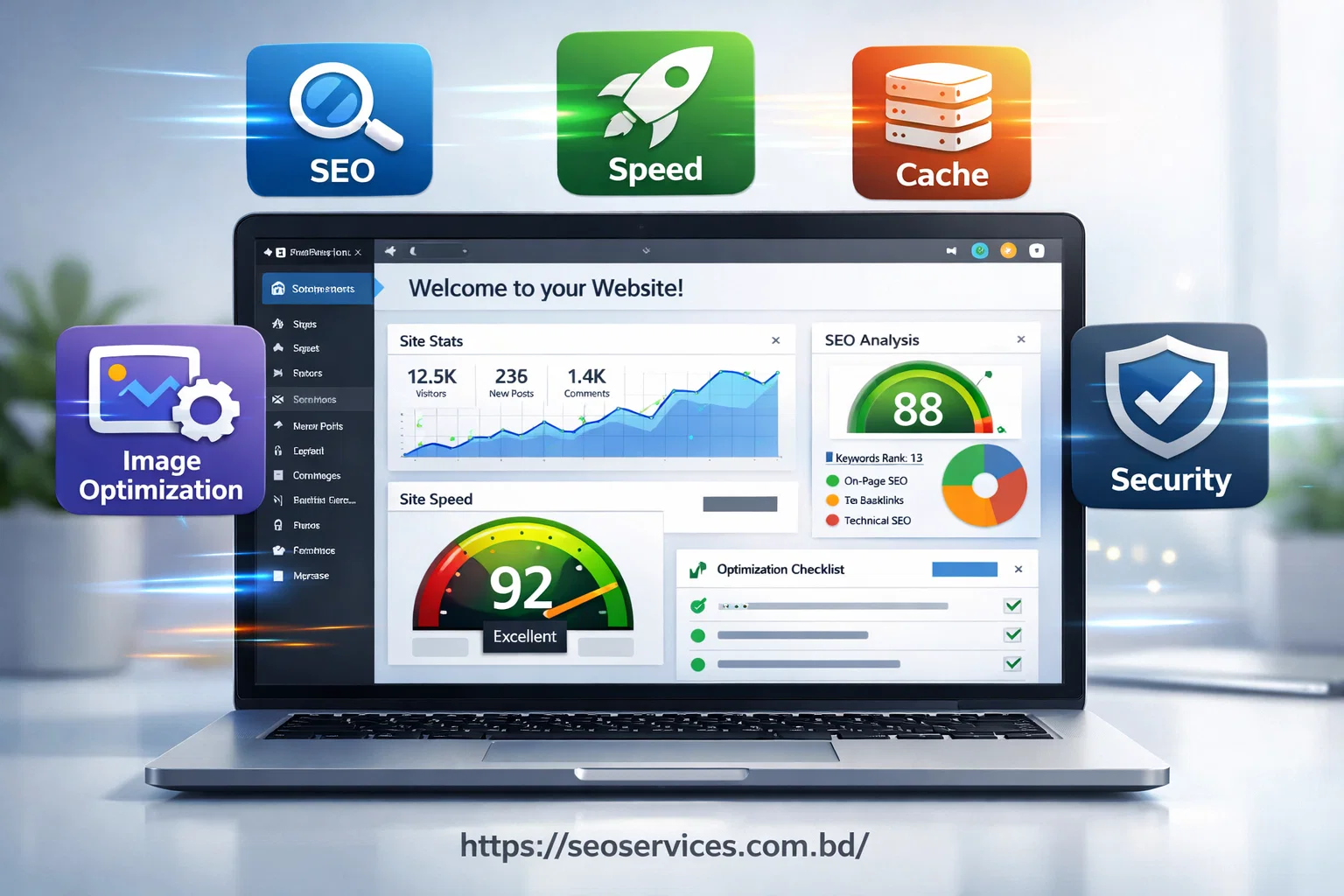
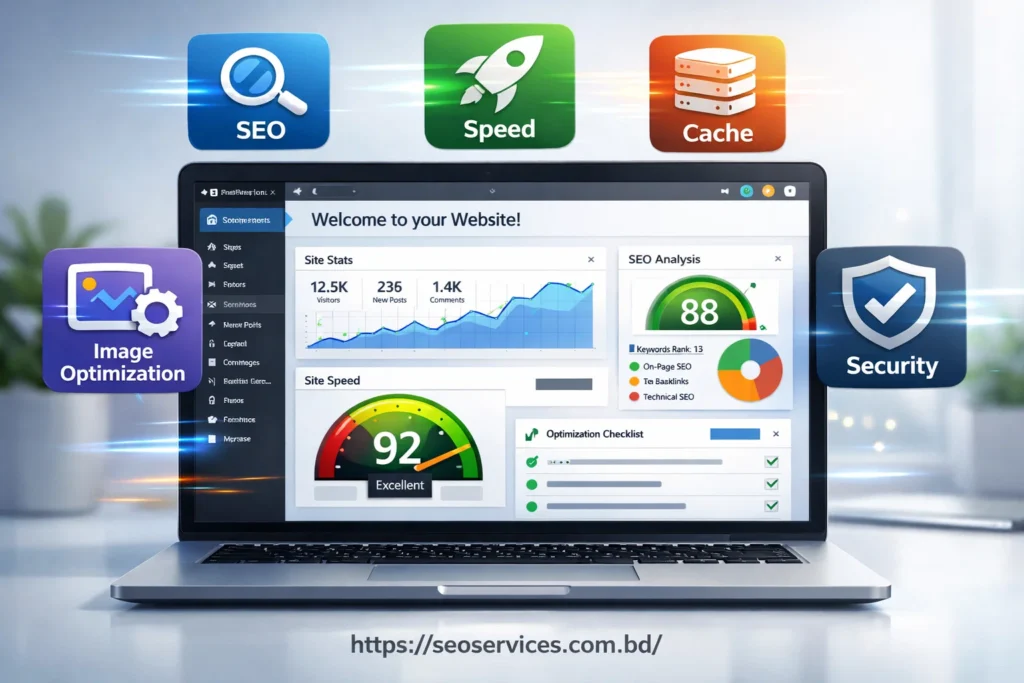
Easy Plugin Setup for WordPress SEO is all about installing and configuring plugins in a way that boosts your site’s search engine performance and speed without unnecessary complexity.
Plugins are essential tools that handle tasks like meta tags, XML sitemaps, schema markup, caching, and image optimization. When set up properly, they ensure your website loads faster, ranks higher on Google, and delivers a seamless user experience.
This setup is not just for developers—business owners and content creators can follow clear steps to enhance traffic, engagement, and online visibility efficiently, making their WordPress site both powerful and user-friendly.
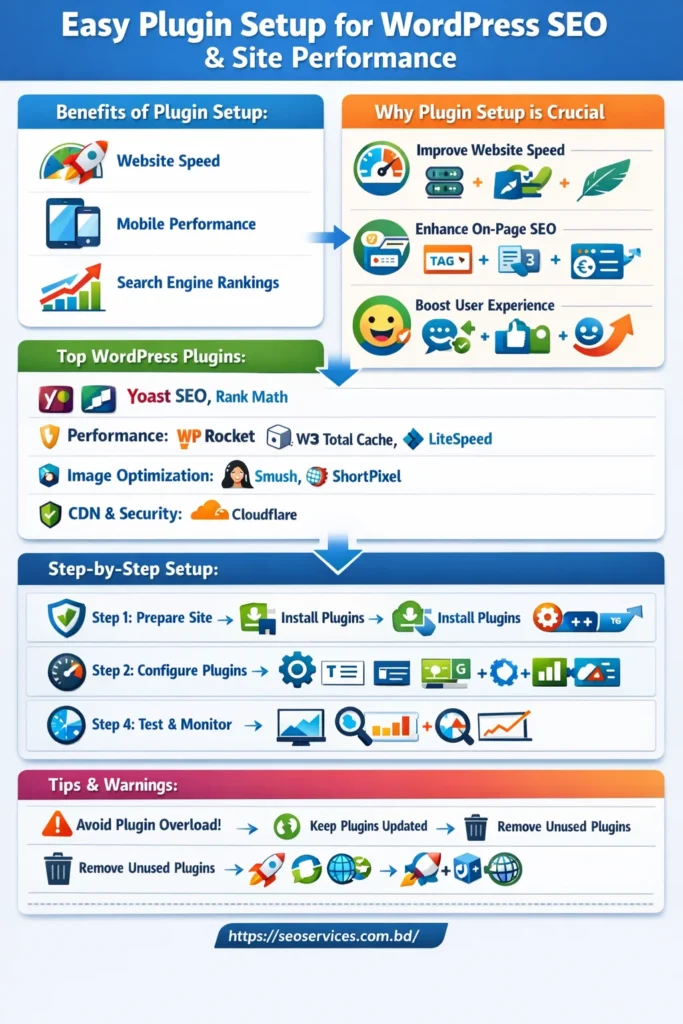
How Plugin Setup Affects SEO and Performance
The right plugin setup can have a huge impact on your site:
- Website Speed: Fast-loading pages improve SEO and user satisfaction.
- Mobile Performance: Optimized plugins make your site mobile-friendly, reducing bounce rates.
- Search Engine Rankings: Well-configured SEO plugins help search engines index your site effectively.
Why Plugin Setup is Crucial for SEO
Improve Website Speed
Slow websites frustrate visitors and lower rankings. A proper plugin setup ensures:
- Lightweight caching plugins like WP Rocket improve page load times.
- Lazy loading images prevent heavy pages from slowing down.
- Removing redundant plugins keeps your site lean and fast.
Enhance On-Page SEO
SEO plugins help optimize your pages for search engines:
- Meta Titles & Descriptions: Make pages search-engine friendly.
- XML Sitemaps: Help Google crawl your website efficiently.
- Schema Markup: Highlight content for rich snippets in search results.
Boost User Experience
A fast, optimized site improves user satisfaction:
- Increases session duration.
- Reduces bounce rates.
- Encourages social shares and backlinks, which indirectly boost SEO.
Top SEO Plugins for WordPress
SEO & Search Optimization Plugins
Yoast SEO – One of the most trusted SEO plugins. Helps with meta tags, XML sitemaps, and readability analysis to boost rankings.
Rank Math – A powerful, beginner-friendly SEO plugin with advanced features like schema markup and keyword optimization.
Performance & Speed Optimization Plugins
WP Rocket – Premium, a user-friendly plugin that handles caching, minification, lazy loading, and CDN integration to speed up your site.
W3 Total Cache – Free, powerful caching plugin with CDN support and file optimization for faster page load times.
LiteSpeed Cache – Combines caching, image optimization, and CDN support, especially great if your host uses LiteSpeed servers.
Autoptimize – Focuses on CSS, JS, and HTML minification to reduce file sizes and improve performance.
Image Optimization Plugins
Smush – Popular image optimizer that compresses, resizes, and lazy loads images to improve speed without losing quality.
ShortPixel – Another strong image optimizer that converts to next-gen formats (WebP) and compresses images efficiently.
CDN & Security Plugins
Cloudflare – Integrates CDN, security, and performance features to serve content globally and protect your site.
Sucuri Security – Provides firewall, malware scanning, and threat protection, which also improves SEO trust and site uptime.
Bonus Optimization Tools (Optional)
WP Optimize – Cleans your database and optimizes overall site performance.
Perfmatters – Advanced performance tweaks, such as disabling unused scripts and reducing bloat, are recommended for speed optimization.
Most used WordPress Plugins for SEO & Performance
SEO Plugins
- Yoast SEO: Easy-to-use plugin for meta tags, sitemaps, and content analysis.
- Rank Math: Lightweight, advanced features for beginners and pros.
- All in One SEO: Simplifies SEO management for complex sites.
Performance Plugins
- Caching: W3 Total Cache, WP Rocket – drastically reduce load times.
- Image Optimization: Smush, ShortPixel – compress images without quality loss.
- Lazy Loading & Speed Enhancers: Load images and scripts only when needed.
Security & Backup Plugins
- Wordfence and UpdraftPlus: Protect your site from malware and hacks. A secure site strengthens SEO trust signals and preserves rankings.
Step-by-Step Plugin Setup Guide
1st Step: Preparing Your WordPress Site
- Backup your website before making changes.
- Update WordPress core, themes, and existing plugins.
- Check plugin compatibility to prevent conflicts.
2nd Step: Installing SEO & Performance Plugins
- Navigate to Plugins → Add New.
- Search for your chosen plugin.
- Click Install → Activate.
3rd Step: Configuring Plugins for Maximum Impact
- Set up meta titles, descriptions, and sitemaps in SEO plugins.
- Enable caching, lazy loading, and image compression to improve speed.
- Test mobile responsiveness to ensure optimal user experience.
4th Step: Testing and Monitoring Performance
- Use tools like Google PageSpeed Insights, GTmetrix, and Pingdom.
- Monitor rankings and traffic via Google Search Console and analytics tools.
Common Plugin Setup Mistakes to Avoid
- Installing Too Many Plugins: Only essential plugins should be used to prevent slowdowns.
- Ignoring Configuration Settings: Default settings rarely optimize SEO or speed. Proper setup is key.
- Using Outdated or Incompatible Plugins: Old plugins can create security risks and drop rankings.
Advanced Tips to Optimize Plugin Performance
- Keep all plugins updated for security and compatibility.
- Use lightweight plugins to maintain speed.
- Remove unused or redundant plugins to reduce bloat.
- Monitor Core Web Vitals to ensure ongoing SEO performance.
- Combine caching, image optimization, and CDN for the ultimate speed boost.
Conclusion
A proper plugin setup is more than just installing tools—it’s a strategic step to improve WordPress SEO, website speed, and user experience. Following this guide ensures your website runs efficiently, ranks higher on Google, and attracts more organic traffic.
Start your optimized plugin setup today and watch your WordPress site perform faster, rank higher, and delight visitors.
FAQs for Plugin Setup for WordPress SEO
What is the easiest way to set up SEO plugins in WordPress?
Use beginner-friendly plugins like Rank Math or Yoast SEO, and follow the setup wizard to configure meta tags, sitemaps, and schema.
How many plugins are safe to use without slowing down my site?
Around 15–20 essential plugins are fine. Avoid unnecessary or duplicate plugins.
Can plugin setup really improve Google rankings?
Yes. Properly configured plugins improve speed, indexability, and on-page SEO, all of which are key ranking factors.
Which SEO plugin is best for WordPress beginners?
Rank Math is intuitive and offers step-by-step guidance. Yoast SEO is also beginner-friendly.
How often should I update plugin settings?
Review plugin updates and settings monthly or after major releases to maintain optimal performance and SEO benefits.