 Skip to content
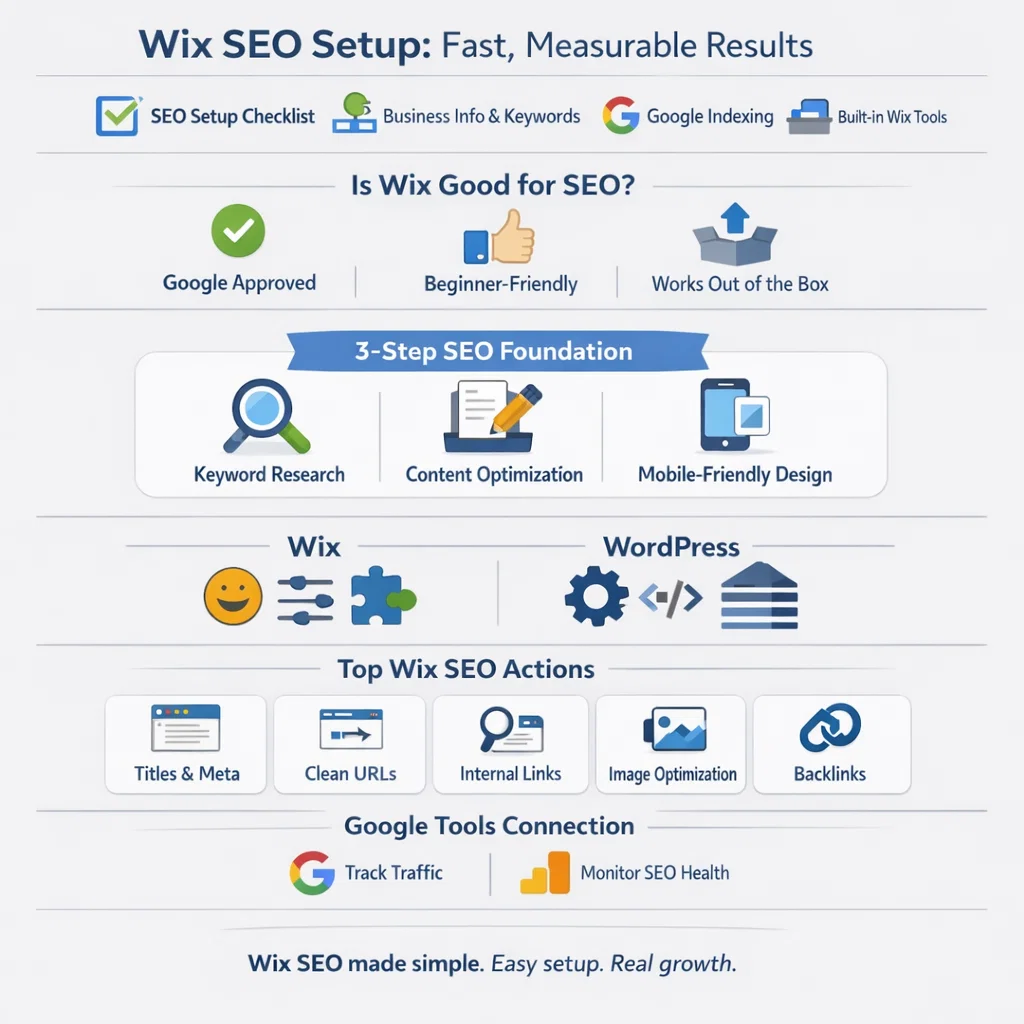
The Wix SEO Setup Checklist is a practical, step-by-step tool that helps improve your website’s search visibility. It creates SEO tasks based on your business information and target keywords, ensuring the guidance aligns with your site’s goals.
You can access the checklist from your site’s SEO Dashboard. Start by adding your business name and choosing whether you serve customers locally or online. Then enter three keywords that describe your services clearly.
The checklist also helps connect and verify your site with Google. This step ensures search engines can find and index your pages. By following each task, you build a strong SEO foundation using Wix’s trusted, built-in tools.
Is Wix Good for SEO?
Yes, Wix can be good for SEO when used the right way. You can build a website on Wix that ranks well on Google.
Google’s John Mueller has clearly said that Google does not judge a website based on the CMS it uses. Whether you use Wix, WordPress, or another platform, Google treats them the same.
He also explained that popular platforms like Wix work well for search right out of the box. With a few simple settings and adjustments, you can easily optimize a Wix site for SEO.
That said, Wix is not perfect. It has a few limitations that may affect advanced SEO work. We’ll look at those drawbacks in the next section.
Wix vs WordPress for SEO
| Feature | Wix SEO | WordPress SEO |
| Ease of Use | Very beginner-friendly | Steeper learning curve |
| SEO Setup | Guided Wix SEO Setup steps | Requires plugins and setup |
| Google Tools | Easy Search Console & Analytics connection | Easy with plugins |
| SEO Plugins | Limited built-in tools | Powerful plugins like Yoast, Rank Math |
| Meta Tags | Easy to edit titles and descriptions | Full control with plugins |
| Schema Markup | Basic schema added automatically | Advanced and customizable schema |
| XML Sitemap | Auto-generated, no manual edits | Full sitemap control |
| Page Speed | Can suffer from extra code | Faster with proper optimization |
| Core Web Vitals | Harder to optimize deeply | Better control for CWV scores |
| Technical SEO | Limited advanced control | Full technical SEO flexibility |
| Scalability | Best for small to medium sites | Ideal for growing and large sites |
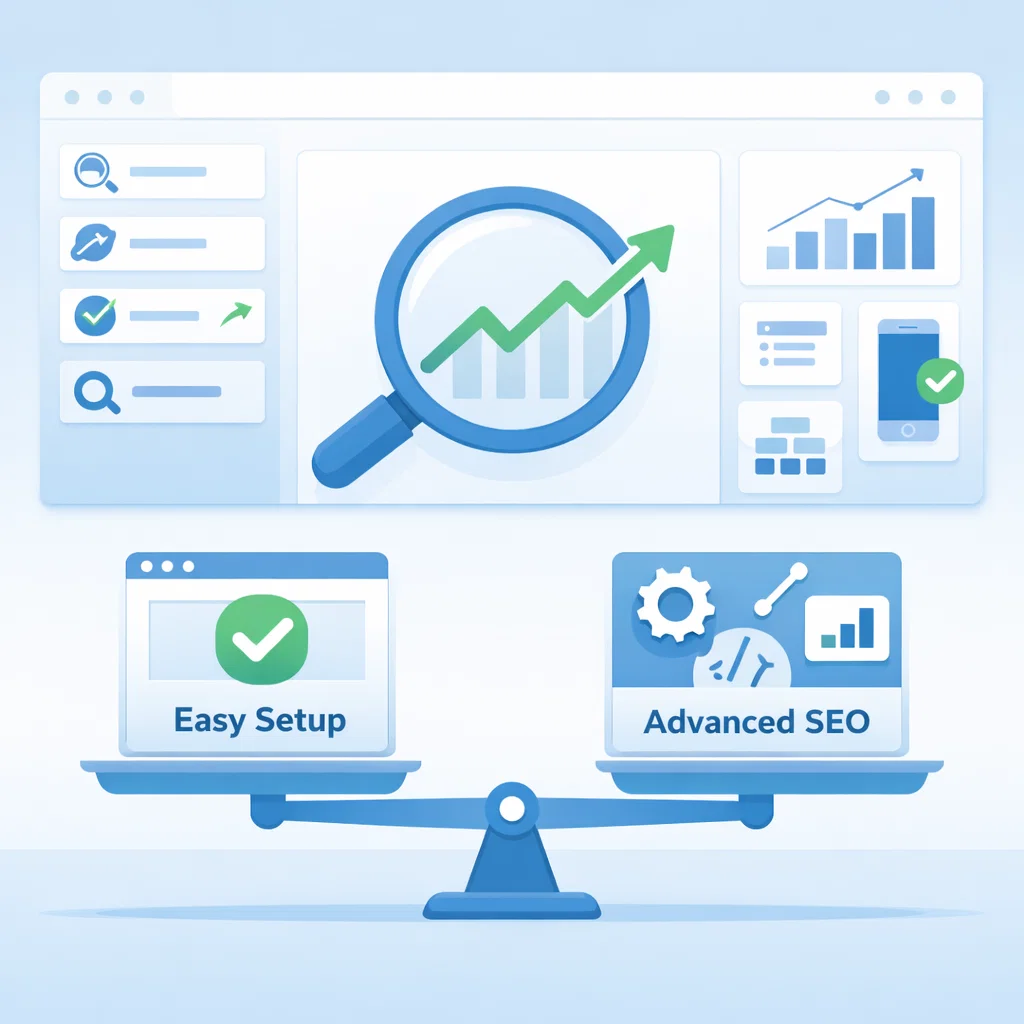
| Overall SEO Power | Good for beginners | Best for long-term SEO growth |
Quick Summary
- Choose Wix if you want an easy start with minimal SEO work.
- Choose WordPress if you want full SEO control and faster growth.
Should You Really Use Wix for Your Website? Here’s the Truth
Wix is perfect for beginners with its drag-and-drop editor, lots of templates, and 24/7 support.
Advanced SEOs and developers can also take advantage of its CSS editing, full-stack tools, headless option, and IDE.
Don’t Miss These CMS Alternatives Before You Decide
- WordPress: Ultimate control and customization.
- Squarespace: Beautiful, easy-to-use designs.
- Shopify: Best for eCommerce stores.
10 SEO Tips to Make Your Wix Site Rank Fast
1. Follow Wix’s SEO Setup Checklist Like a Pro
The built-in SEO Setup Checklist guides you through the basics:
- Go to Marketing & SEO → SEO Setup Checklist
- Fill in website info, location, and keywords
- Complete each step with detailed instructions
Pro tip: You can tweak keywords later—don’t stress about perfection.
2. Discover the Best Keywords with Wix + Semrush
Keyword research is your secret weapon.
- Use Wix’s Semrush integration to find high-volume, low-competition keywords
- Target keywords that match your user intent
- Choose up to 5 focus keywords in Wix for your SEO plan
Tip: Use Semrush Keyword Magic Tool to take your research further.
3. Connect Wix to Google Search Console & Analytics for Maximum Insights
Track your traffic and SEO performance with:
- GSC: Monitors SEO health
- GA4: Tracks visitor behavior
Note: A Wix Premium subscription is required to connect these tools.
4. Create Blog Content That Google Loves
Blogging is a traffic powerhouse if done right:
- Make content clear, detailed, and accurate
- Add value with images, videos, and unique insights
- Break up text with subheadings, bullets, and lists
- Use Semrush Topic Finder to generate powerful blog ideas
5. Craft Title Tags & Meta Descriptions That Click
Every page needs a strong title tag and meta description:
- Keep titles 50–60 characters
- Meta descriptions ~105 characters
- Include your focus keyword and a CTA
- Make users want to click through
6. Write URLs That Humans and Google Both Love
Your URL slug should be:
- Short, descriptive, and easy to read
- Hyphenated, lowercase, no special characters
Example: /wix-seo-setup
7. Use Internal Links to Boost SEO and Keep Visitors Hooked
Internal links guide users and strengthen page authority:
- Highlight text → click link icon → select page → Done
- Always link relevant pages to each other
8. Optimize Your Images to Speed Up Your Site
Fast-loading pages = better SEO:
- Resize images to the correct width (e.g., 800px)
- Compress with TinyPNG
- Add unique alt text to describe every image
9. Build Backlinks Like a Pro to Skyrocket Rankings
Backlinks = Google votes of confidence:
- Ask creators to link to you
- Create content that naturally attracts links
- Use Semrush Backlink Gap to discover opportunities
10. Run a Full SEO Audit to Find Hidden Wins
Once your basics are done, run an audit:
- Use the Semrush Site Audit tool
- Identify errors, warnings, and optimization opportunities
The good news? Wix SEO doesn’t have to be complicated. With a few simple steps, you can see real results.
Step 1: Do keyword research
Choosing the right keywords is key. It helps you create content that matches what your audience is searching for and keeps your site relevant.
Step 2: Optimize your website content
Make sure your content is informative, engaging, and up-to-date. The better your content, the higher your chances of ranking well in search results.
Step 3: Write unique meta descriptions
A well-written meta description can make your site stand out in search results. It encourages people to click, which drives more traffic to your Wix store.
Step 4: Design for mobile
With almost 70% of online sales happening on smartphones, a mobile-friendly store is a must. Google also favors mobile-optimized sites, so your rankings will benefit — and your visitors will enjoy a smoother shopping experience.
Summary
Wix makes SEO simple with its built-in SEO Setup Checklist, guiding you to optimize your site step by step. Start with keyword research, then optimize content, meta descriptions, URLs, and images. Connect your site to Google Search Console and Analytics for insights.
Ensure your Wix store is mobile-friendly to boost rankings and user experience. While Wix is beginner-friendly and efficient for small to medium sites, WordPress offers more advanced SEO control. Following these steps and leveraging Wix’s tools can increase traffic, improve search visibility, and grow your online presence effectively.
FAQs
1. What is the Wix SEO Setup Checklist?
A step-by-step guide that sets up your site for SEO, connects it to Google, and improves titles, meta descriptions, and mobile friendliness.
2. Do I need a Wix Premium plan?
Yes. Premium is required to connect your domain to Google Search Console and use advanced SEO tracking.
3. Why isn’t my site showing on Google?
It may take time to index. Check SEO settings and submit your sitemap in Google Search Console.
4. Can I change keywords later?
Yes. Keywords can be refined anytime to match audience search intent.
5. Is the Wix SEO Assistant necessary?
Not required, but it suggests improvements and tracks SEO progress.
6. Can Wix guarantee top Google rankings?
No. Wix tools help with SEO, but rankings depend on content, backlinks, and ongoing optimization.
7. Why are pages not indexed?
Google may not have crawled them yet. Submitting URLs via Search Console speeds up indexing.
8. How do I connect Wix to Google Search Console?
Follow the SEO Setup Checklist prompts to link and verify your site.
9. Traffic is low even after setup—what now?
SEO basics are done, but growth requires quality content, internal links, and ongoing monitoring.
10. Does Wix create sitemaps automatically?
Yes. Wix generates sitemaps and submits them to Google when your site is connected to Search Console.
