 Skip to content
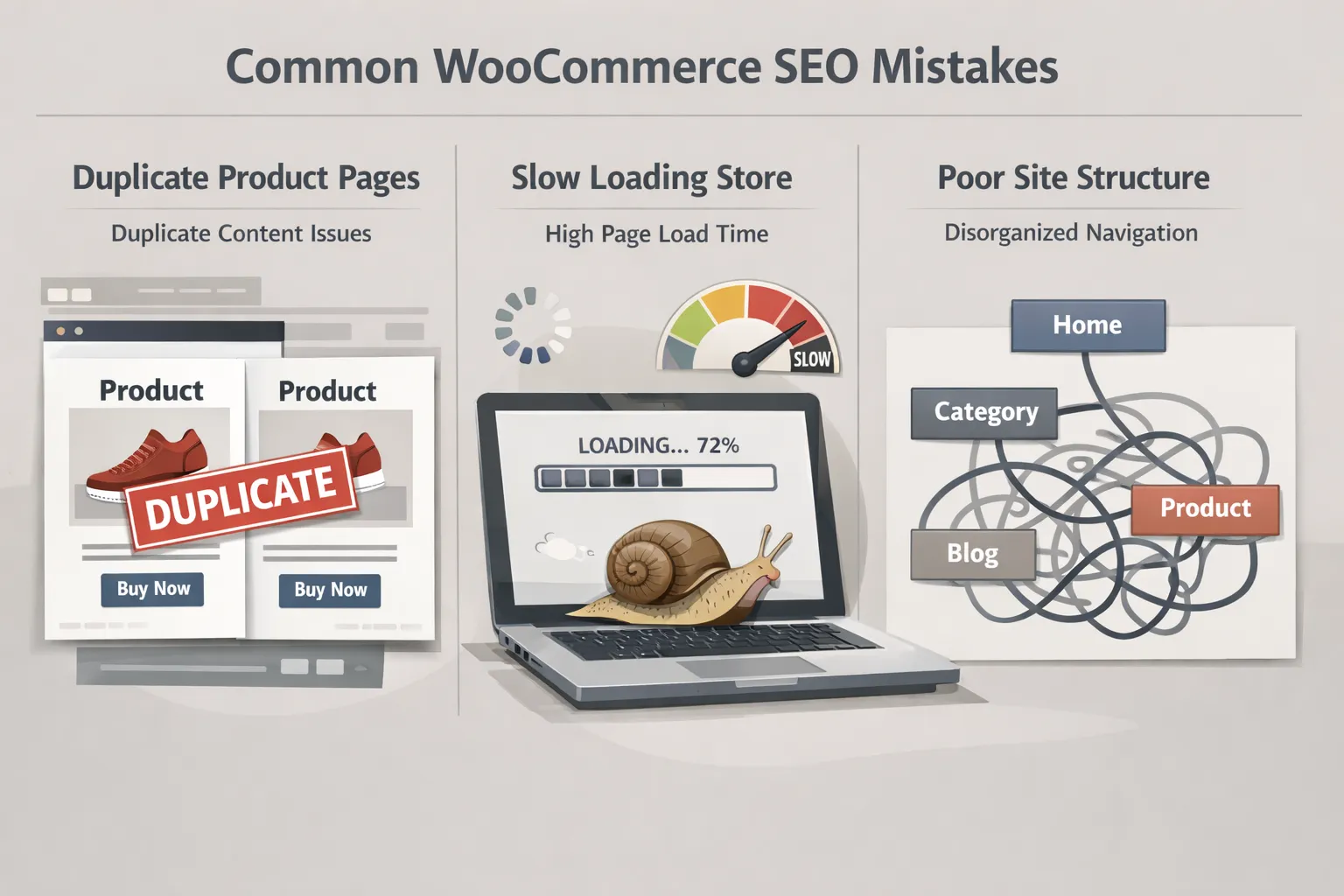
WooCommerce SEO Mistakes to Avoid (That Hurt Product Rankings)
WooCommerce is a powerful ecommerce platform, but many online stores fail to rank not because of competition — but because of avoidable SEO mistakes.
This guide explains the most common WooCommerce SEO mistakes to avoid, why they hurt rankings, and how store owners can fix them before traffic and sales are affected.
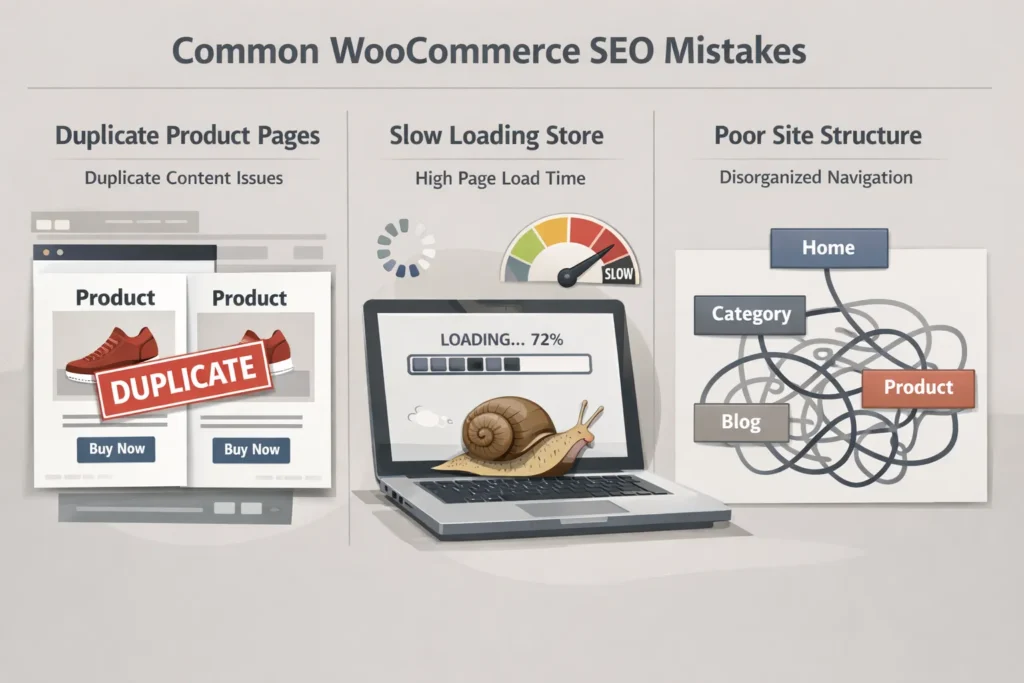
Relying Only on SEO Plugins
One of the biggest WooCommerce SEO mistakes is assuming plugins handle everything.
SEO plugins help with:
- Metadata
- Sitemaps
- Basic index settings
But they do not fix:
- Poor product structure
- Duplicate URLs
- Performance issues
- Weak internal linking
WooCommerce SEO requires strategy beyond plugins.
Allowing Duplicate Product URLs
WooCommerce can generate multiple URLs for the same product due to:
- Filters
- Sorting options
- Variations
- Categories
Without proper control, search engines struggle to identify the primary version, leading to diluted rankings.
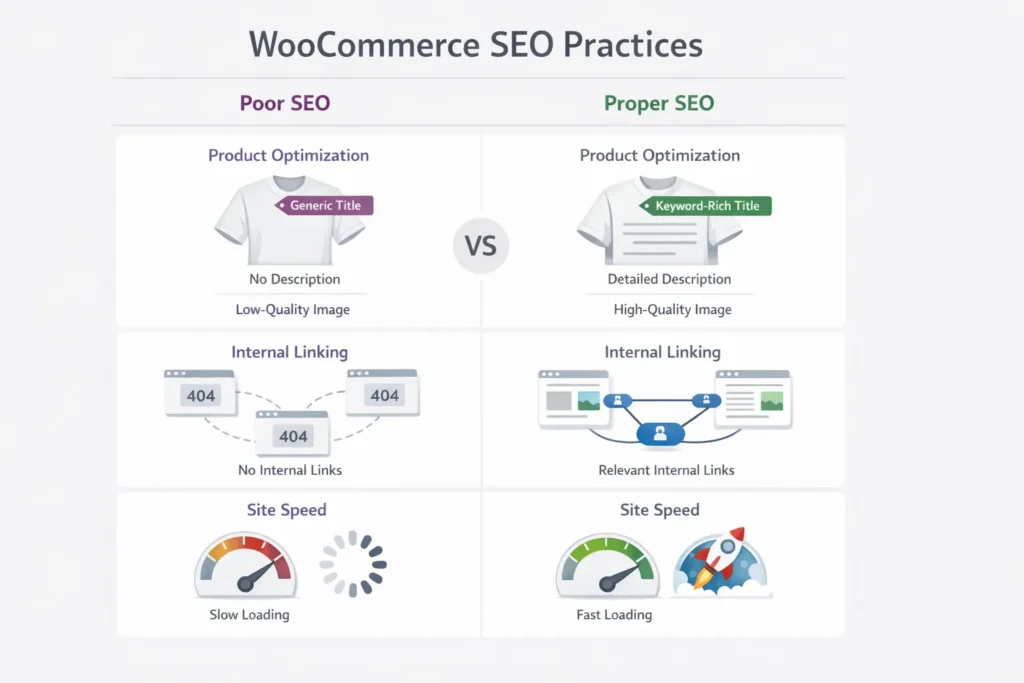
Thin or Reused Product Descriptions
Many stores reuse manufacturer descriptions or write minimal content.
This causes:
- Low content quality signals
- Poor keyword relevance
- Weak conversion performance
Unique, intent-focused product content performs significantly better.
Ignoring Category Page Optimization
Category pages often drive more traffic than product pages.
Common mistakes include:
- Empty category descriptions
- No internal links
- Poor hierarchy
Optimized categories improve crawlability and rankings.
Poor Internal Linking Structure
WooCommerce stores often have deep page structures.
Problems include:
- Important products buried too deep
- No prioritization of key categories
- Orphan product pages
Internal linking helps search engines understand importance and relevance.
Ignoring Site Speed and Core Web Vitals
WooCommerce sites are heavy by nature.
SEO mistakes related to performance include:
- Large images
- Too many scripts
- Bloated themes
Slow stores lose rankings and customers.
Indexing Cart, Checkout, and Filter Pages
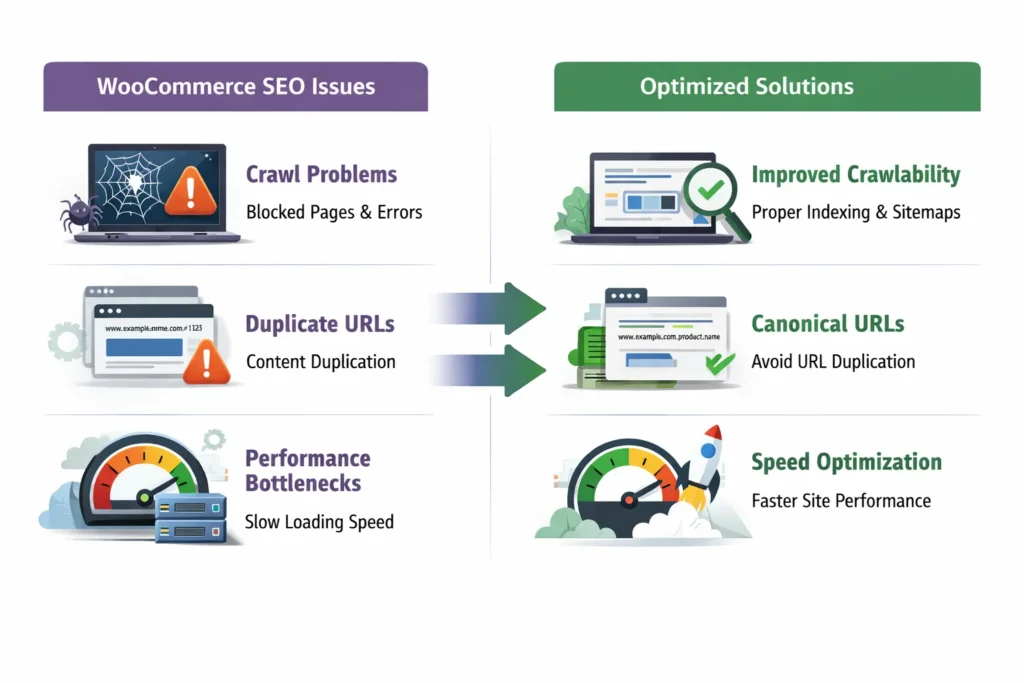
Allowing non-SEO pages to be indexed wastes crawl budget.
These include:
- Cart pages
- Checkout pages
- Internal search results
Proper index control is essential for ecommerce SEO.
Not Optimizing for Mobile Users
Most ecommerce traffic is mobile-first.
Common issues:
- Slow mobile speed
- Poor layout on small screens
- Difficult navigation
Search engines evaluate mobile performance first.
Treating WooCommerce SEO as a One-Time Setup
SEO is not a set-and-forget task.
WooCommerce SEO requires:
- Regular audits
- Content updates
- Performance monitoring
- Internal link reviews
Stores that maintain SEO outperform those that don’t.
Final Thoughts
Most WooCommerce SEO problems are not technical mysteries — they’re the result of shortcuts, assumptions, or neglect.
Avoiding these mistakes allows online stores to:
- Rank more consistently
- Attract qualified buyers
- Scale organic revenue safely
WooCommerce SEO works best when treated as an ongoing system, not a plugin checklist.
Last updated: 2026
