 Skip to content
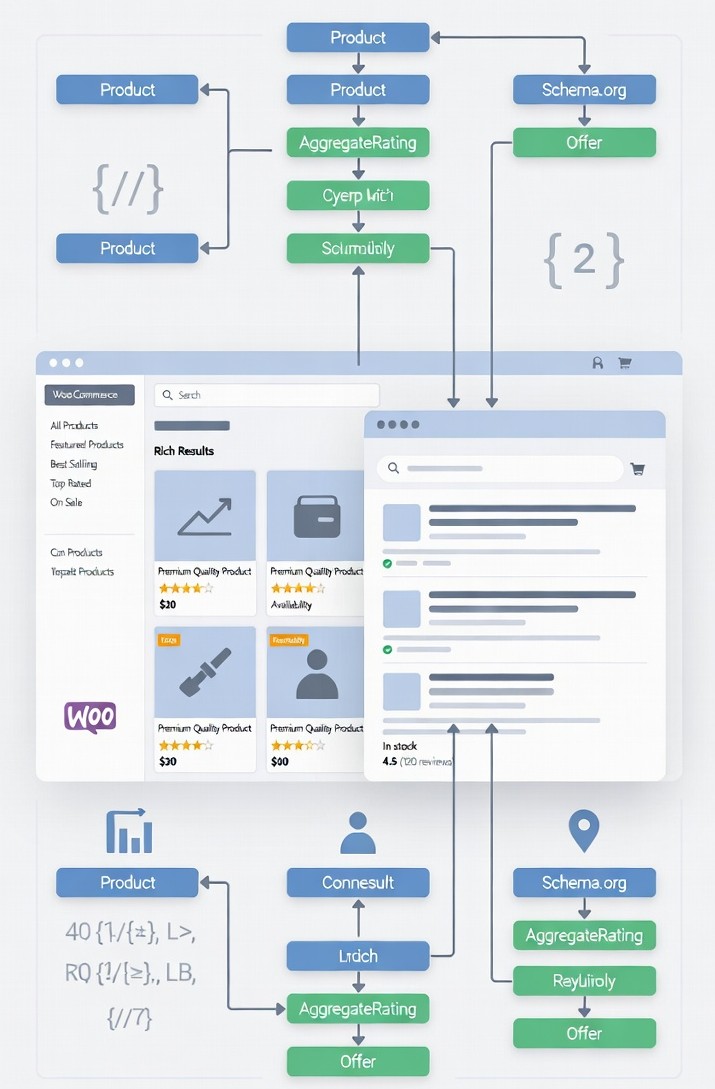
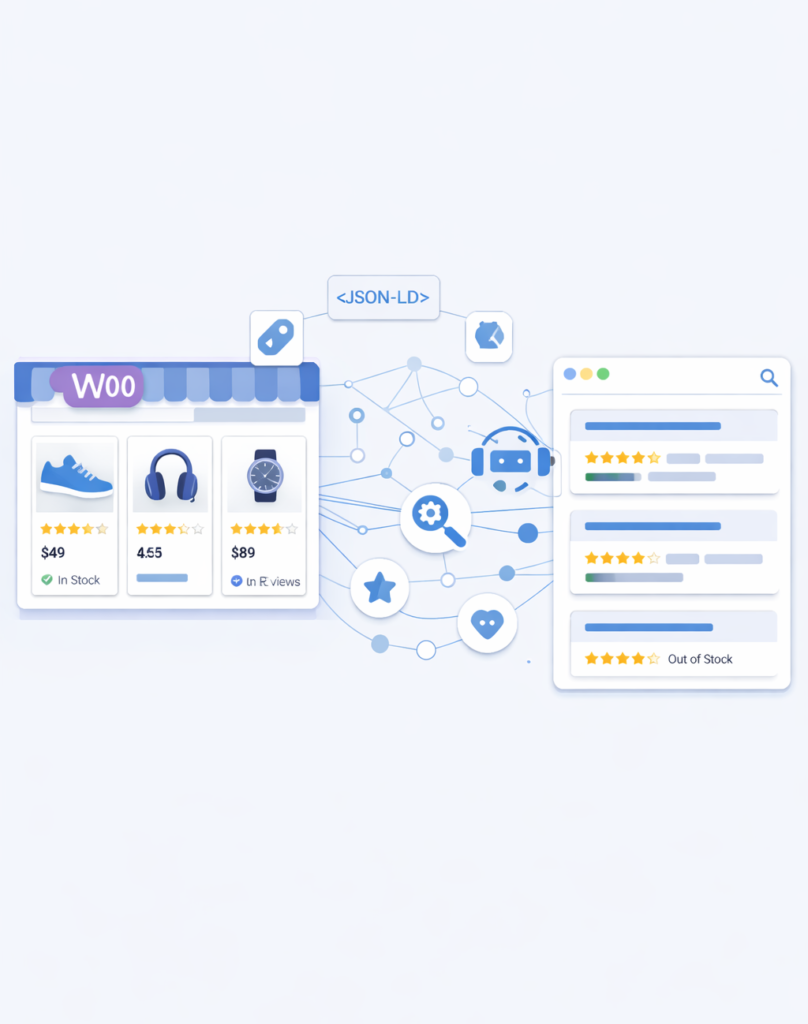
In the fast-paced world of e-commerce SEO, structured data—commonly referred to as schema markup remains a cornerstone for helping search engines like Google interpret your WooCommerce store’s content. By embedding machine-readable code, it explicitly defines elements such as product details, prices, availability, and customer ratings.
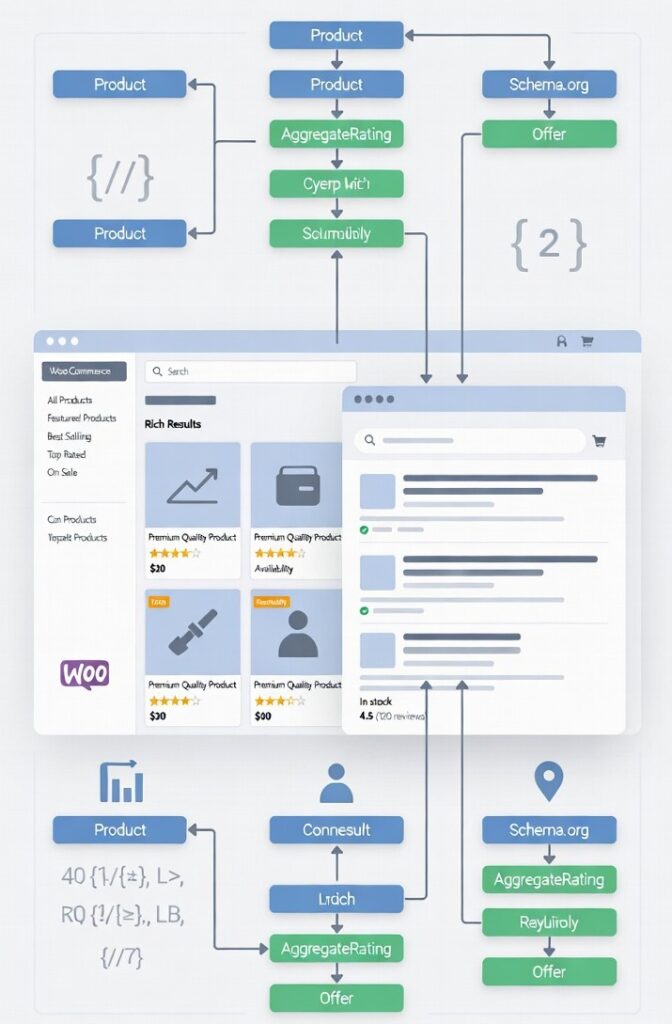
This not only qualifies your listings for rich results (e.g., enhanced snippets with prices, stars, and stock info) but also elevates click-through rates (CTRs) by up to 40% in some cases. In 2026, with AI-driven search interfaces dominating (handling ~25% of queries), schema markup ensures accurate data extraction for tools like Gemini, Grok, and Google’s AI Overviews, reducing errors and boosting trust.
What WooCommerce Includes by Default
WooCommerce natively outputs basic Product schema on product pages, including essentials like name, description, image, and offers (price and availability). This is embedded via JSON-LD and helps with basic indexing, but lacks depth for rich results.
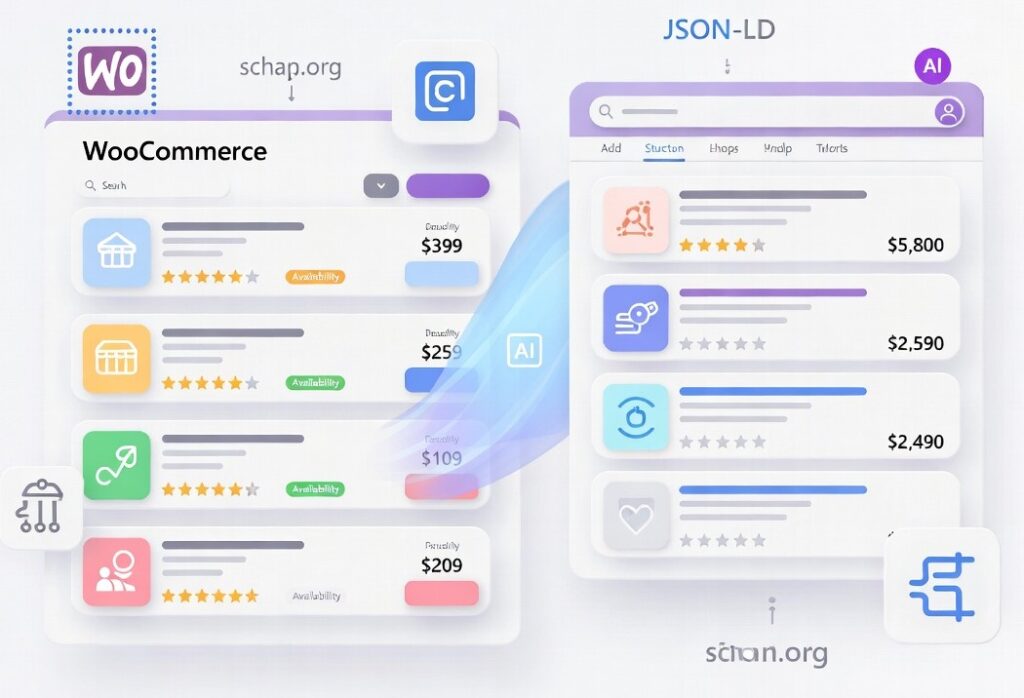
Commonly missing elements include detailed reviews (AggregateRating), brand information, GTIN/identifiers (e.g., UPC, ISBN), shipping details, and return policies. Breadcrumbs and organization-level schema are also absent, limiting eligibility for enhanced SERP features.
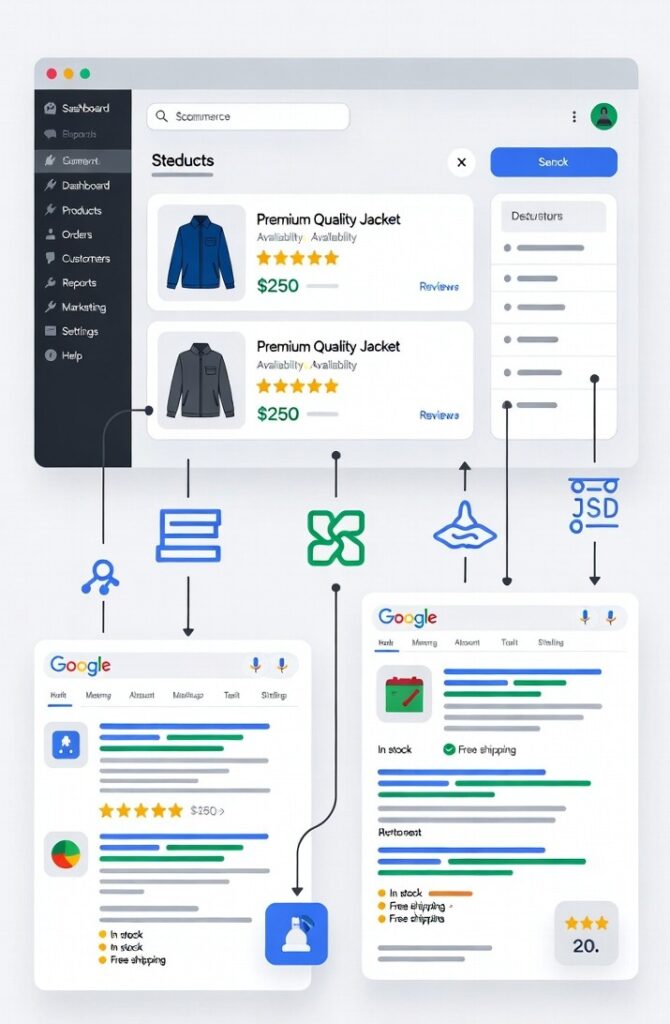
Limitations: The default implementation doesn’t handle variable products well, may cause duplicates if themes add their own markup, and ignores AI/voice optimizations like sustainability fields or connected entity graphs. Without extensions, it won’t qualify for star ratings, review snippets, or Google Shopping integrations.
Types of Structured Data You Should Use
To maximize SEO, incorporate these Schema.org types, tailored for WooCommerce:
- Product Schema: Core for products; includes name, description, image (array), price, offers, currency, SKU, GTIN, brand, and availability. Add 2026 fields like hasEnergyConsumptionDetails for eco-products.
- AggregateRating & Review Schema: For star ratings and counts; nest under Product with ratingValue, reviewCount, and individual reviews (author, body). Use genuine data to avoid penalties.
- BreadcrumbList Schema: Displays site hierarchy (e.g., Home > Category > Product) in SERPs for better navigation.
- Offer Schema: Nested in Product; covers price, currency, availability (InStock/OutOfStock), priceValidUntil, shippingDetails, and hasMerchantReturnPolicy.
- FAQ Schema: For FAQPage with mainEntity (Question and acceptedAnswer); ideal for product queries like returns, boosting AI snippets.
- Organization Schema (store info): For LocalBusiness/Organization; include name, address, phone, openingHours, priceRange, and sameAs for social links.
How to Implement Structured Data in WooCommerce
Using SEO Plugins (Fastest & Safest Method)
Most high-ranking WooCommerce stores rely on SEO plugins to handle structured data automatically. This approach reduces errors and scales easily across large product catalogs.
Popular options include:
- Rank Math (Free & Pro): Includes a powerful Schema Generator for products, reviews, and breadcrumbs. Automatically pulls data from WooCommerce.
- Yoast WooCommerce SEO (Premium): Adds product, offer, and breadcrumb schema with minimal setup.
- Schema Pro (Premium): Focused purely on schema automation across many schema types.
- AIOSEO: WooCommerce-ready schema with auto-generated product fields.
- Schema & Structured Data for WP & AMP: Supports advanced and custom schema types.
Set up basics:
- Install and activate one schema plugin only
- Enable the WooCommerce module (if required)
- Configure default schema types
- Disable schema output from themes or other plugins to prevent conflicts
Best practice: Use one plugin as your single source of structured data.
Manual vs Automated Schema Implementation
- Automated schema (via plugins) works best for most stores. It ensures consistent markup across all products and updates dynamically.
- Manual schema is useful for advanced or custom requirements. Developers can insert JSON-LD into:
single-product.php- Custom hooks like
woocommerce_single_product_summary
Manual implementation offers flexibility but requires ongoing maintenance.
Testing and Validation
Google Rich Results Test
Use Google’s Rich Results Test to check eligibility for enhanced snippets. It identifies missing fields and invalid markup instantly.
Google Search Console
Under Enhancements, monitor:
- Errors
- Warnings
- Impressions from rich results
Common Errors & Fixes
- Missing required fields → Add via plugin settings
- Invalid schema types → Use correct Schema.org vocabulary
- Content mismatch → Sync markup with visible content
Re-test after every fix.
Advanced Structured Data Techniques
Advanced WooCommerce stores go beyond the basic Product schema.
Examples:
- VideoObject for product demos
- HowTo schema for setup or assembly guides
- Nested schema within Product entities
Dynamic schema updates can be handled using WooCommerce hooks or advanced plugin variables.
JSON-LD is the recommended format because it:
- Stays separate from HTML
- Is easier to manage
- Is preferred by Google
Advanced Structured Data Techniques
Advanced WooCommerce stores go beyond the basic Product schema.
Examples:
- VideoObject for product demos
- HowTo schema for setup or assembly guides
- Nested schema within Product entities
Dynamic schema updates can be handled using WooCommerce hooks or advanced plugin variables.
JSON-LD is the recommended format because it:
- Stays separate from HTML
- It is easier to manage
- Is preferred by Google
Monitoring & Troubleshooting
Track structured data performance through:
- Google Search Console (CTR, impressions)
- Rich result appears in SERPs
Common issues:
- Outdated schema after product changes
- Plugin conflicts after updates
- Missing optional enhancement fields
Fix duplicates by auditing with validators and keeping one authoritative schema source.
Structured Data for Rich Results & AI Search
Structured data is now essential for AI-driven search.
It helps:
- Featured snippets extract accurate answers
- AI tools like Gemini and Perplexity cite correct product data
- Voice assistants understand product availability and pricing
Clear entities and structured attributes improve discoverability across AI search interfaces.
Structured data fundamentally transforms ordinary WooCommerce product pages into engaging, rich search results that capture user attention with features like star ratings, prices, and availability indicators. By enhancing click-through rates (CTRs), building customer trust through accurate and visible information, and optimizing for AI-driven search experiences, it positions your store ahead in a competitive e-commerce environment.
To maintain this edge, adopt a single reliable schema plugin for consistency, regularly validate your markup using tools like Google’s Rich Results Test, monitor key metrics such as CTR and impressions in Google Search Console, and iteratively refine your implementation based on performance data. In today’s SEO landscape, structured data has evolved from an optional enhancement to an indispensable foundation for WooCommerce success.
