 Skip to content
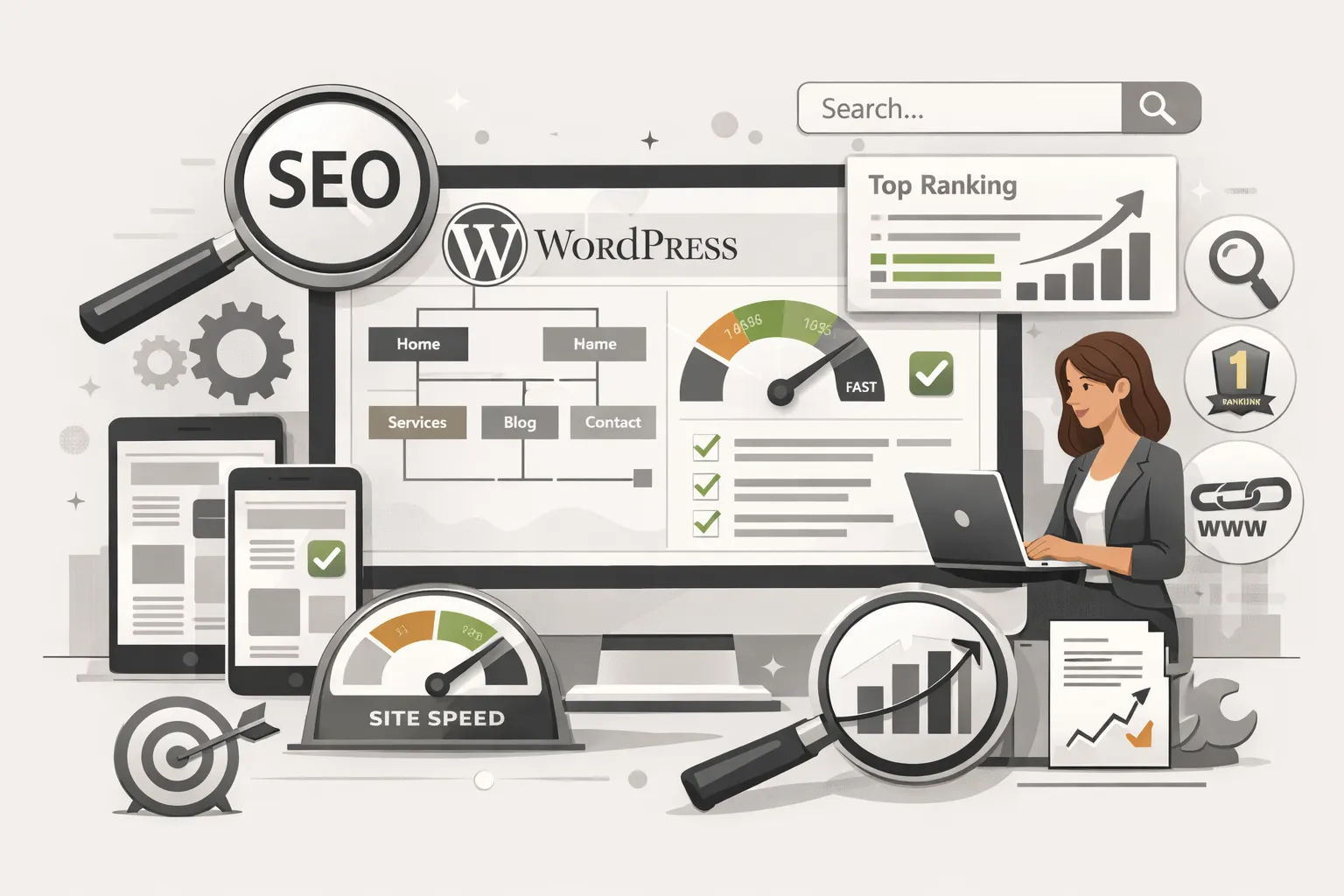
WordPress SEO Explained: How to Optimize a WordPress Website the Right Way
WordPress is often described as “SEO-friendly,” but that doesn’t mean WordPress websites automatically rank well on Google.
In reality, most WordPress sites struggle with SEO because they rely on themes, plugins, and assumptions instead of a structured optimization approach. This guide explains how WordPress SEO actually works, what matters most, and how to optimize a WordPress website properly.
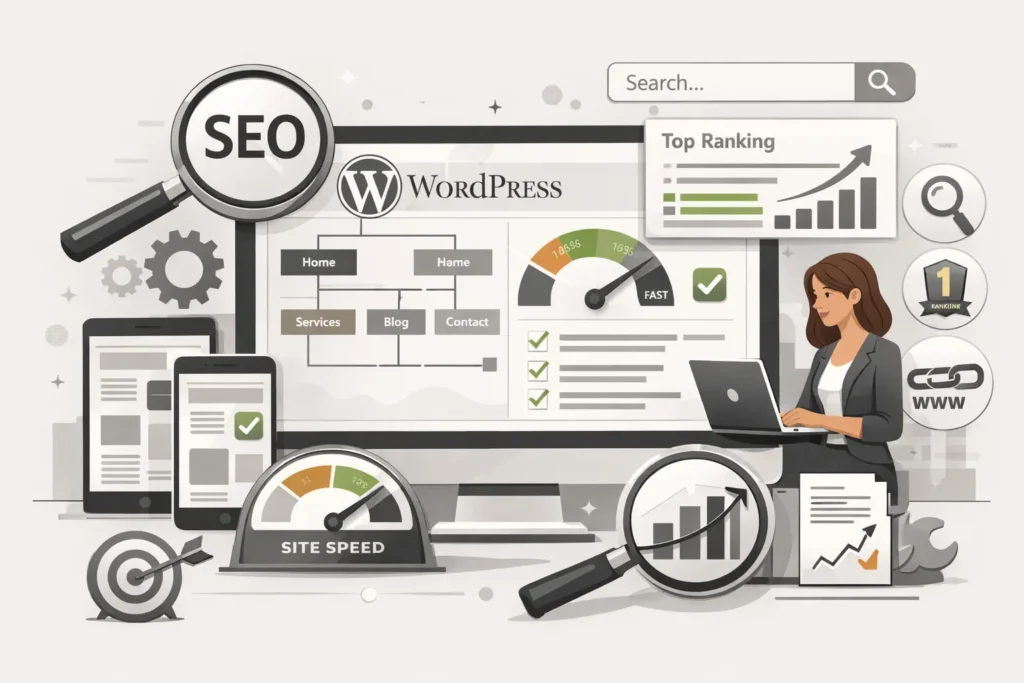
Why WordPress SEO Is Different From General SEO
WordPress introduces unique SEO challenges that don’t exist on custom-built or static websites.
These include:
- Theme code quality
- Plugin conflicts
- Performance limitations
- URL and taxonomy handling
- Internal linking structure
Because of this, WordPress SEO requires platform-specific optimization, not just generic SEO tactics.
Core Elements of WordPress SEO That Affect Rankings
Site Structure and URL Control
WordPress allows flexible URLs, but poor structure often causes:
- Duplicate content
- Thin category and tag pages
- Crawl inefficiencies
A clean hierarchy improves crawlability and ranking consistency.
Theme Performance and Code Quality
Many WordPress themes look good but are poorly coded.
SEO issues caused by themes include:
- Slow loading speed
- Layout shifts
- Excessive scripts
Search engines reward websites that load fast and remain stable.
Plugin Management and SEO Risks
Plugins are powerful but dangerous when overused.
Common problems:
- Multiple plugins doing the same job
- SEO plugins misconfigured
- Performance-heavy plugins
Effective WordPress SEO focuses on using fewer, better plugins.
Content Optimization on WordPress
Structuring Content for Search Intent
WordPress makes publishing easy, but SEO requires intent alignment.
High-performing WordPress content:
- Answers one clear topic
- Uses clean heading hierarchy
- Avoids keyword stuffing
- Focuses on clarity and depth
Internal Linking on WordPress
Internal linking is often ignored on WordPress sites.
Proper internal linking:
- Distributes authority
- Improves crawl depth
- Helps important pages rank
This is a key factor in long-term WordPress SEO success.
Technical SEO Factors Specific to WordPress
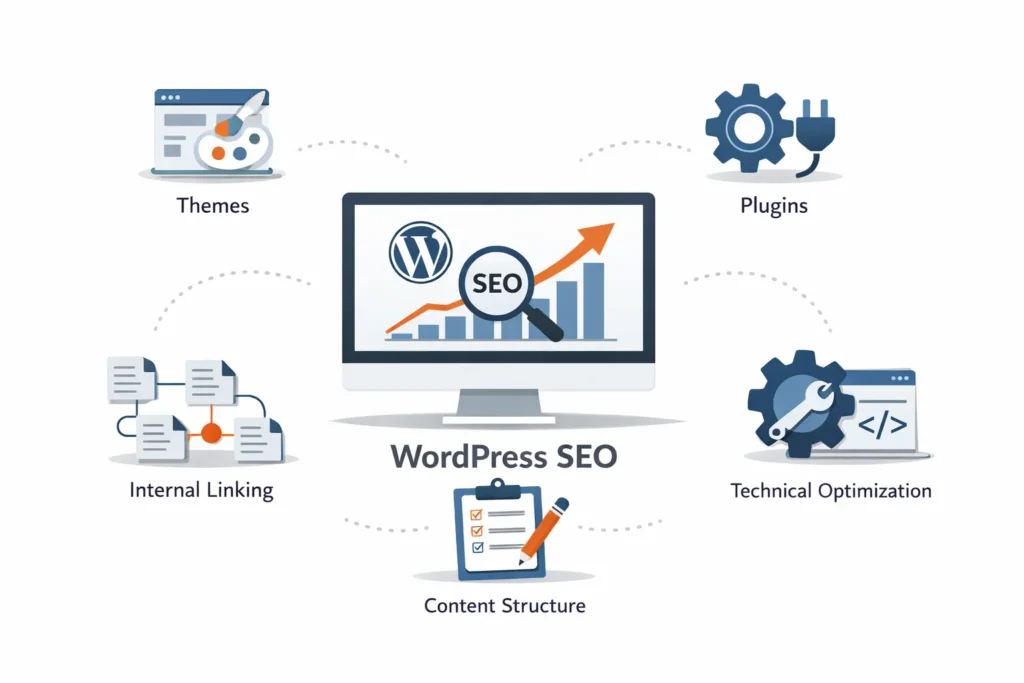
WordPress websites depend heavily on technical stability.
Key technical areas include:
- Index control (categories, tags, archives)
- XML sitemaps
- Page speed optimization
- Mobile usability
These foundations support everything else.
Common WordPress SEO Mistakes to Avoid
Many WordPress sites struggle because of avoidable mistakes:
- Relying only on SEO plugins
- Publishing thin blog posts
- Ignoring site speed
- Using bloated themes
- Poor internal linking
Fixing these issues often leads to quick improvements.
How Long Does WordPress SEO Take to Show Results?
WordPress SEO timelines depend on:
- Website age
- Content quality
- Technical condition
- Competition
In most cases:
- Early improvements appear in weeks
- Stronger results develop over months
- SEO performance compounds over time
WordPress SEO is not instant, but it is predictable when done correctly.
WordPress SEO Is a Process, Not a One-Time Task
Search engines evolve, plugins update, and content grows. WordPress SEO must adapt continuously.
Long-term success comes from:
- Regular technical checks
- Content optimization
- Internal link improvements
- Performance monitoring
This is how WordPress websites stay competitive.
Final Thoughts
WordPress SEO is powerful when approached strategically. The platform provides flexibility, but rankings depend on how well that flexibility is controlled.
Optimizing WordPress properly creates a website that is:
- Search-friendly
- Fast
- Structured
- Scalable
And most importantly, ready to grow with your business.
Last updated: 2026
