
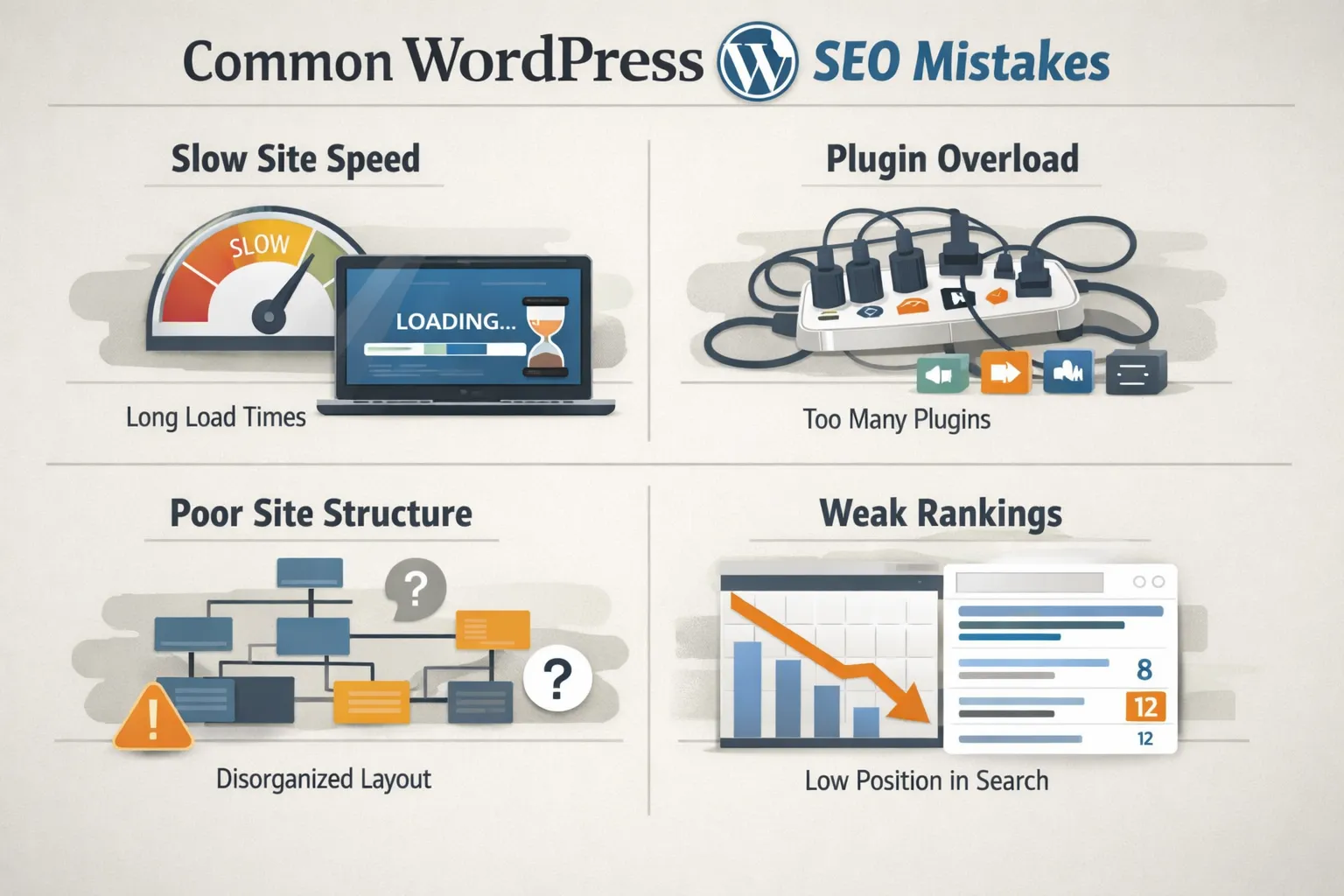
WordPress SEO Mistakes to Avoid (That Stop Sites From Ranking)
WordPress is flexible, powerful, and widely used. But it’s also one of the easiest platforms to misconfigure for SEO.
Many WordPress websites fail to rank not because SEO doesn’t work, but because of avoidable mistakes made during setup, content creation, or ongoing maintenance. This guide breaks down the most common WordPress SEO mistakes to avoid and how they quietly damage search visibility.
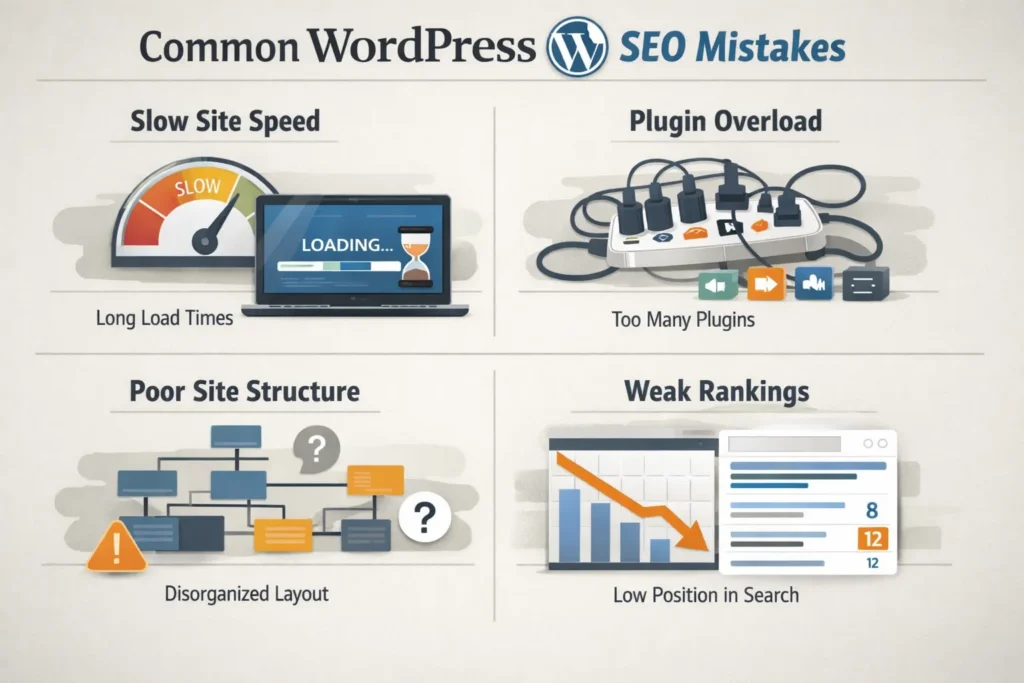
Relying Only on SEO Plugins
One of the biggest misconceptions in WordPress SEO is believing that plugins alone handle everything.
SEO plugins help with:
- Metadata control
- Sitemaps
- Basic indexing settings
But they do not fix:
- Poor site structure
- Slow performance
- Weak content
- Internal linking issues
Plugins support SEO. They don’t replace strategy.
Using Bloated or Poorly Coded Themes
Themes affect more than design. They affect SEO directly.
Common theme-related problems include:
- Excessive scripts and styles
- Layout shifts
- Slow page loading
- Accessibility issues
A visually attractive theme can still damage rankings if it’s poorly optimized.
Ignoring Website Speed and Core Web Vitals
WordPress sites often become slow over time due to:
- Too many plugins
- Heavy themes
- Unoptimized images
Search engines prioritize fast, stable websites. Poor performance reduces crawl efficiency, user engagement, and ranking potential.
Speed is not optional in modern WordPress SEO.
Creating Thin or Duplicate Content
WordPress makes it easy to publish, which often leads to:
- Short, low-value blog posts
- Similar pages targeting the same topic
- Duplicate category and tag archives
Search engines reward depth and clarity, not volume.
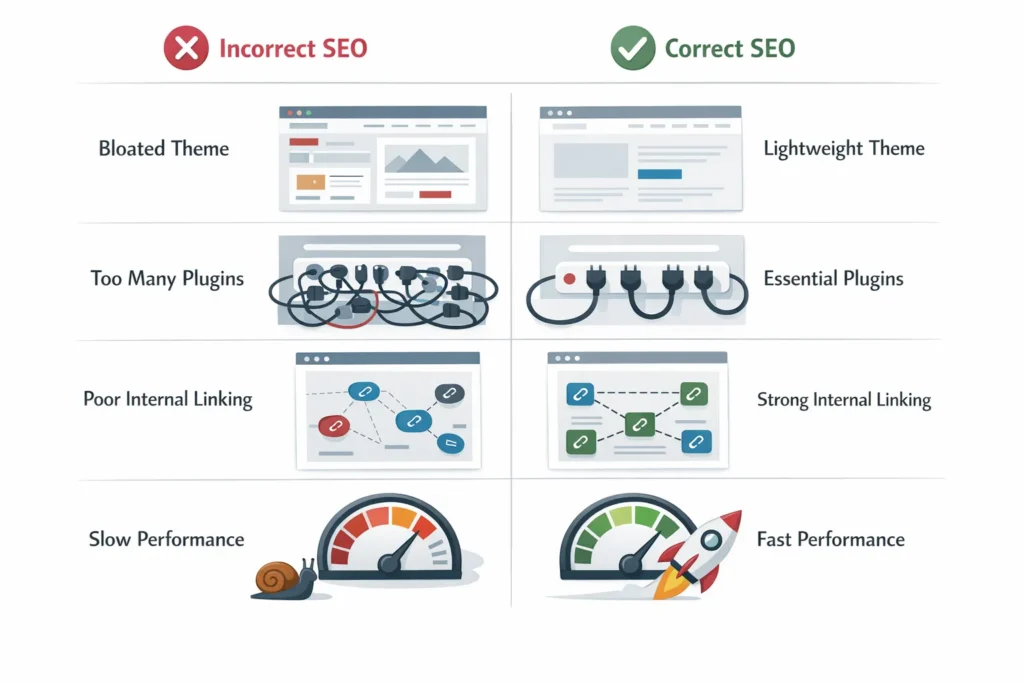
Poor Internal Linking Structure
Many WordPress sites treat internal linking as an afterthought.
Common mistakes:
- Orphan pages
- Too many links on one page
- No clear priority pages
Internal links help search engines understand importance, relevance, and topical relationships.
Mismanaging Categories, Tags, and Archives
By default, WordPress generates multiple archive pages that can cause:
- Duplicate content
- Index bloat
- Crawl inefficiency
Without proper control, these pages dilute SEO signals instead of helping.
Ignoring Mobile Optimization
Most WordPress traffic is mobile-first, yet many sites:
- Use desktop-heavy layouts
- Ignore mobile usability
- Load slowly on phones
Search engines primarily evaluate the mobile version of your site. Poor mobile experience equals poor SEO performance.
Publishing Without Search Intent
Content that doesn’t match intent rarely ranks.
Examples:
- Informational content written for commercial queries
- Sales pages answering informational questions
- Blogs that don’t clearly solve a problem
WordPress SEO works best when content has one clear purpose.
Not Updating or Maintaining Content
SEO is not a one-time task.
Outdated content:
- Loses relevance
- Sends weak trust signals
- Performs worse over time
Regular updates help maintain rankings and authority.
Treating WordPress SEO as a One-Time Setup
Perhaps the most damaging mistake is thinking SEO ends after setup.
WordPress SEO requires:
- Ongoing technical checks
- Content optimization
- Internal link improvements
- Performance monitoring
Websites that treat SEO as continuous outperform those that don’t.
Final Thoughts
WordPress SEO fails most often because of neglect, assumptions, or shortcuts.
Avoiding these mistakes allows WordPress websites to:
- Rank more consistently
- Scale content safely
- Stay competitive long term
WordPress is SEO-friendly — but only when handled correctly.
Last updated: 2026