
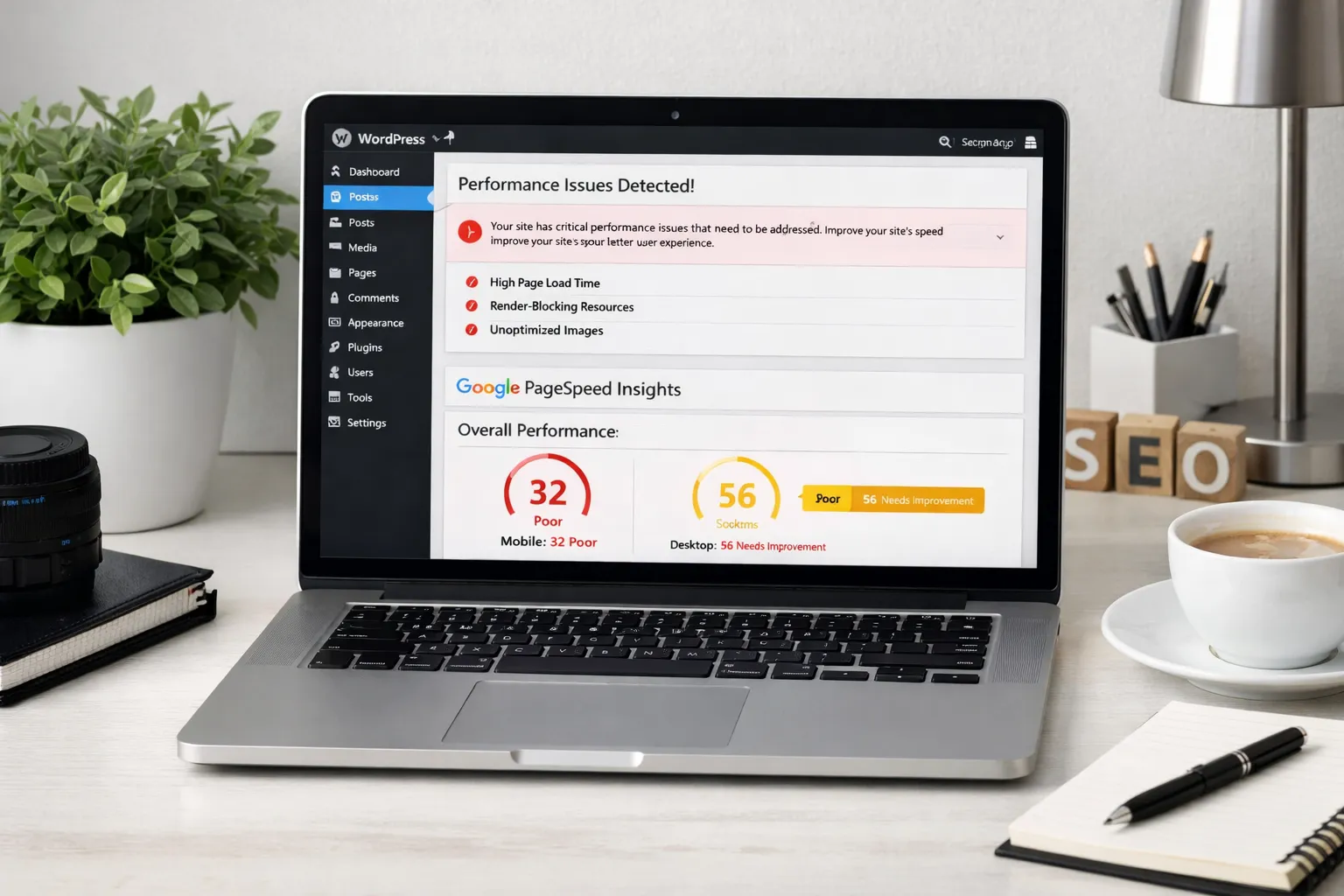
Why WordPress Sites Are Slow (SEO Impact + Fixes)
WordPress powers more than 40% of the web, but it’s also responsible for a huge number of slow websites. A slow WordPress site doesn’t just frustrate users. It directly affects SEO, rankings, crawl efficiency, and conversions.
If your site feels sluggish, loads inconsistently, or fails Core Web Vitals, this guide explains why WordPress sites are slow, how it impacts SEO, and exactly how to fix it step by step.
Why WordPress Sites Become Slow
WordPress itself is not slow. Poor configuration, heavy themes, plugin overload, and weak hosting are usually the real causes.
Here are the most common reasons.
1. Heavy Themes and Page Builders
Many WordPress themes come packed with animations, sliders, icons, scripts, and design effects. Page builders like Elementor, WPBakery, or similar tools add multiple nested divs, scripts, and CSS files.
This leads to:
- Large DOM size
- Render-blocking CSS
- Heavy JavaScript execution
- Poor Largest Contentful Paint (LCP)
SEO Impact
Google measures Core Web Vitals. If your LCP, CLS, or INP scores are poor, rankings may suffer, especially in competitive niches.
Fix
- Use lightweight themes
- Reduce unnecessary design elements
- Disable unused page builder widgets
- Minimize external font and animation scripts
2. Too Many Plugins
Plugins are powerful, but every plugin adds:
- Extra CSS or JS files
- Database queries
- Background tasks
- Possible conflicts
Many WordPress sites run 20–40 plugins. That’s usually unnecessary.
SEO Impact
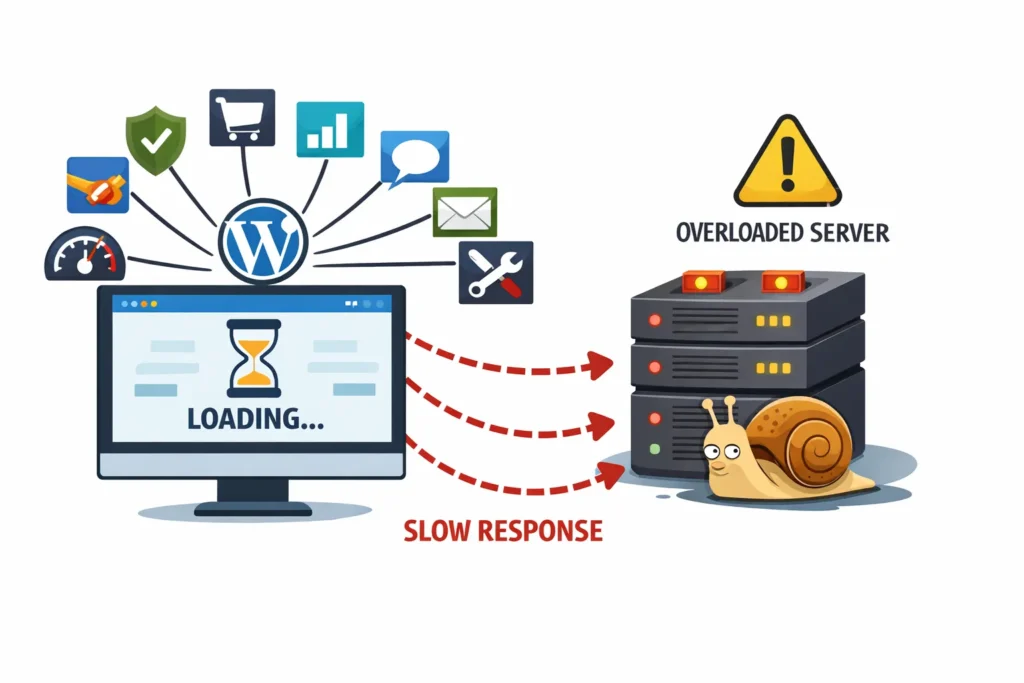
Slow server response time increases Time to First Byte (TTFB). Google may crawl fewer pages if your server is slow, affecting crawl budget and indexation.
Fix
- Remove unused plugins
- Replace multiple plugins with one optimized alternative
- Avoid plugins that load scripts sitewide unnecessarily
- Audit plugin impact using performance tools
3. Poor Hosting
Cheap shared hosting is one of the biggest causes of slow WordPress sites.
Common hosting issues:
- Limited server resources
- High CPU load
- Slow database response
- No caching support
SEO Impact
Slow hosting increases:
- Page load time
- Server errors (5xx)
- Crawl instability
If Googlebot encounters frequent slow responses, it may reduce crawl frequency.
Fix
- Upgrade to quality hosting
- Use server-level caching
- Choose hosting optimized for WordPress
- Ensure PHP version is updated
4. Unoptimized Images
Large images are one of the most common performance problems.
Issues include:
- Uploading 5MB images
- Not resizing images properly
- No compression
- No next-gen formats
SEO Impact
Large images slow down LCP, hurting Core Web Vitals and user experience.
Fix
- Compress images before upload
- Use WebP or AVIF formats
- Resize images to actual display dimensions
- Enable lazy loading (but not above the fold)
5. No Caching System
Without caching, WordPress dynamically generates pages for every visitor.
This increases:
- Server processing time
- Database load
- Response time
SEO Impact
Slow dynamic page generation increases TTFB and affects crawl efficiency.
Fix
- Enable page caching
- Enable browser caching
- Use object caching
- Use a CDN for global performance
6. Excessive JavaScript and CSS
Themes and plugins often load:
- Unused CSS
- Third-party scripts
- Tracking scripts
- Chat widgets
All of these block rendering and slow interaction.
SEO Impact
Heavy JavaScript can:
- Delay rendering
- Hurt Interaction to Next Paint (INP)
- Prevent Google from fully rendering content
Fix
- Defer non-critical JavaScript
- Remove unused CSS
- Limit third-party scripts
- Reduce tracking scripts
7. Database Bloat
WordPress stores:
- Post revisions
- Spam comments
- Transients
- Expired cache
Over time, the database becomes bloated.
SEO Impact
Slow database queries increase server response time, affecting crawl and indexing.
Fix
- Clean post revisions
- Delete spam comments
- Optimize database regularly
- Limit revision storage
8. Poor Internal Linking Structure
A slow site isn’t always about speed. Sometimes important pages are buried deep in site architecture.
If pages are:
- 5+ clicks deep
- Orphaned
- Poorly linked
Google may crawl inefficiently.
SEO Impact
Important pages get crawled less often and indexed slower.
Fix
- Improve site architecture
- Add contextual internal links
- Keep key pages within 3 clicks
- Avoid unnecessary pagination
9. Core Web Vitals Failures
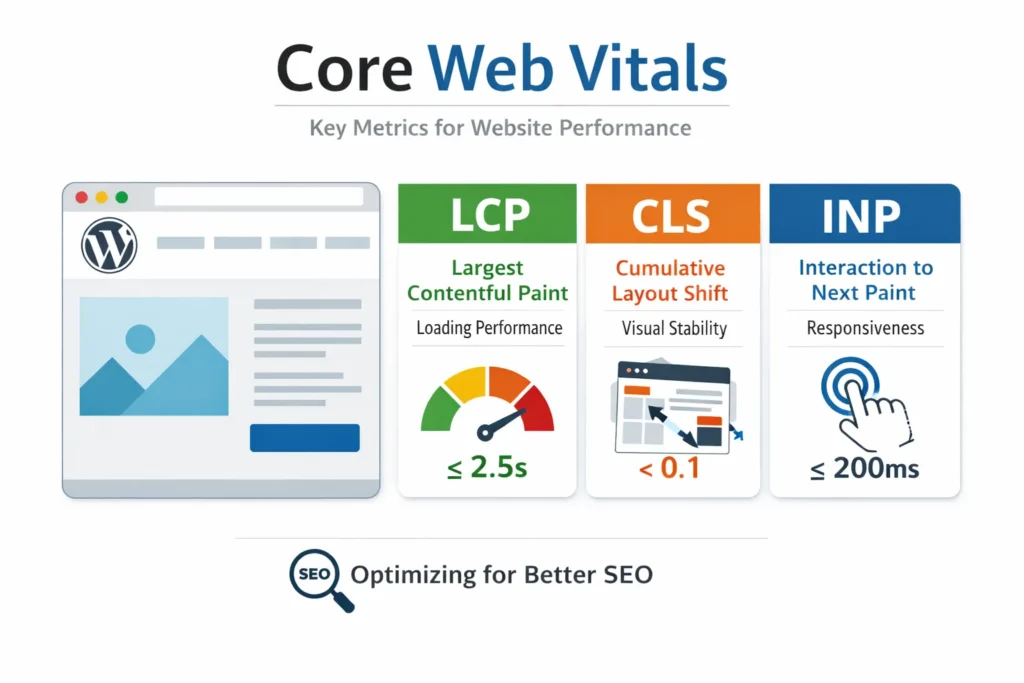
Core Web Vitals include:
- Largest Contentful Paint (LCP)
- Cumulative Layout Shift (CLS)
- Interaction to Next Paint (INP)
WordPress sites commonly fail these because of:
- Heavy themes
- Font shifts
- Slow hero images
- Ad placements
SEO Impact
Google uses Core Web Vitals as ranking signals, especially in competitive niches.
Fix
- Preload important assets
- Optimize hero images
- Avoid layout shifts
- Remove unnecessary scripts
How Slow WordPress Sites Hurt SEO
A slow site affects SEO in multiple ways:
- Lower user engagement
- Higher bounce rates
- Reduced crawl frequency
- Poor Core Web Vitals signals
- Delayed indexing of new pages
Speed is not just about UX. It affects how Google crawls and prioritizes your site.
Step-by-Step WordPress Speed Optimization Plan
Follow this structured approach:
1st Step: Audit Current Performance
- Test mobile and desktop
- Check Core Web Vitals
- Identify largest elements
2nd Step: Fix Hosting and Server Issues
- Upgrade hosting
- Enable caching
- Update PHP version
3rd Step: Reduce Plugin Load
- Remove unnecessary plugins
- Replace heavy plugins
- Disable unused features
4th Step: Optimize Images
- Compress and resize
- Use modern formats
- Implement lazy loading
5th Step: Minify and Defer Assets
- Minify CSS and JS
- Defer non-critical scripts
- Remove unused CSS
6th Step: Improve Internal Architecture
- Reduce crawl depth
- Improve navigation
- Clean low-value URLs
How Long Does It Take to See SEO Improvement?
After performance fixes:
- Crawl improvements: 1–3 weeks
- Core Web Vitals improvements: immediate once deployed
- Ranking impact: 4–8 weeks depending on competition
Speed improvements often lead to better engagement and faster indexing.
Final Thoughts
WordPress sites are not slow by default. They become slow due to poor decisions in themes, plugins, hosting, and structure. The good news is that most performance problems are fixable.
When you improve speed, you improve crawl efficiency, indexing speed, user engagement, and ultimately rankings.
FAQs
Does WordPress cause slow websites?
No. WordPress itself is not slow. Poor themes, plugin overload, weak hosting, and bad configuration cause slow performance.
Do slow WordPress sites affect SEO?
Yes. Slow speed affects Core Web Vitals, crawl efficiency, user engagement, and ranking performance.
How many plugins are too many?
There is no exact number, but quality matters more than quantity. Keep only essential plugins.
Is hosting important for WordPress SEO?
Yes. Hosting affects server response time, crawl stability, and overall performance.