
Why Google Discovered But Not Indexed Your Page (And How to Fix It)
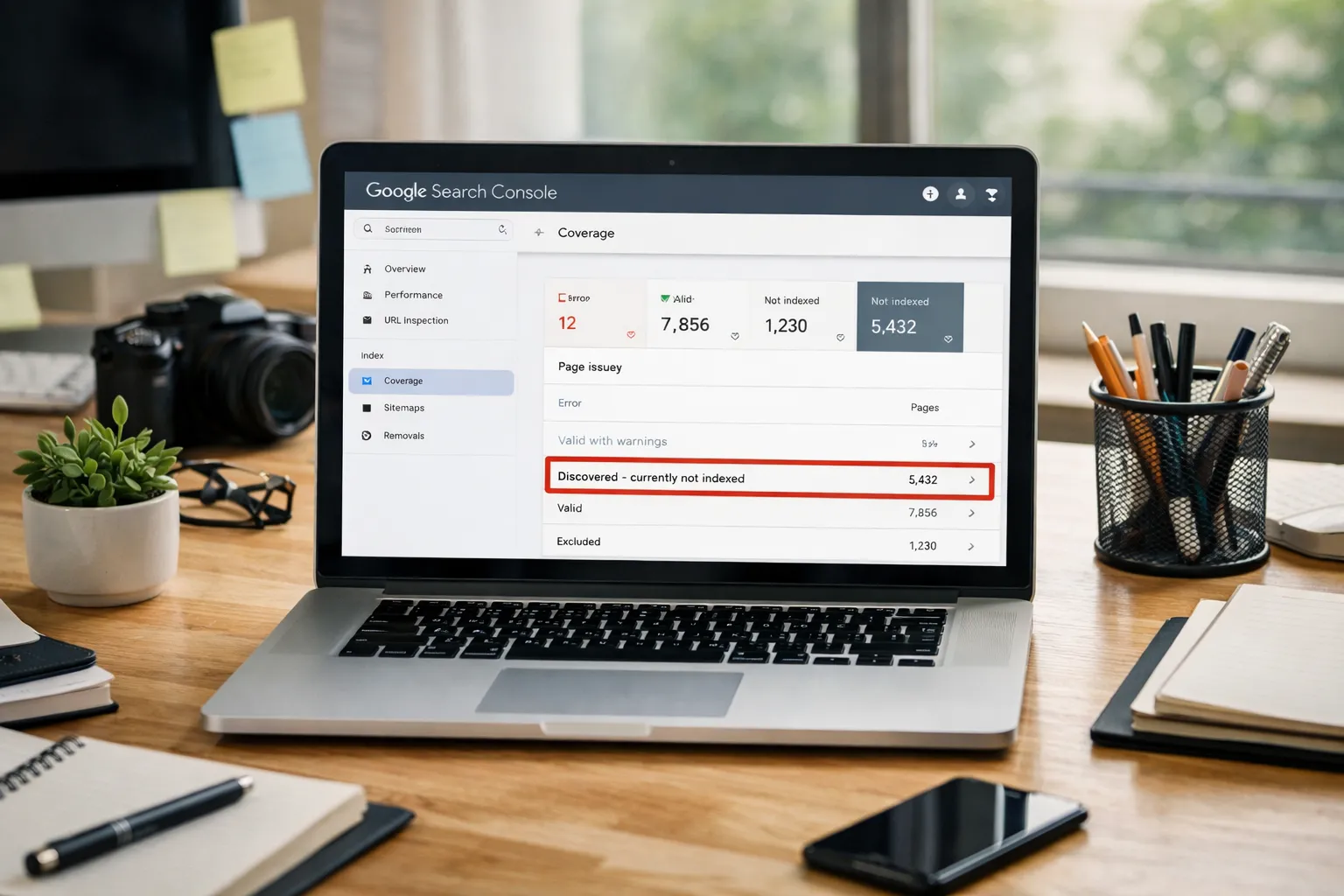
Seeing the status “Discovered – currently not indexed” in Google Search Console is frustrating. It means Google knows your page exists but decided not to index it. If your pages stay in this state, they will not appear in Google search results, no matter how good your content is.
This guide explains why Google discovered but not indexed your page, what this status really means, and how to fix it step by step so your pages get indexed faster.
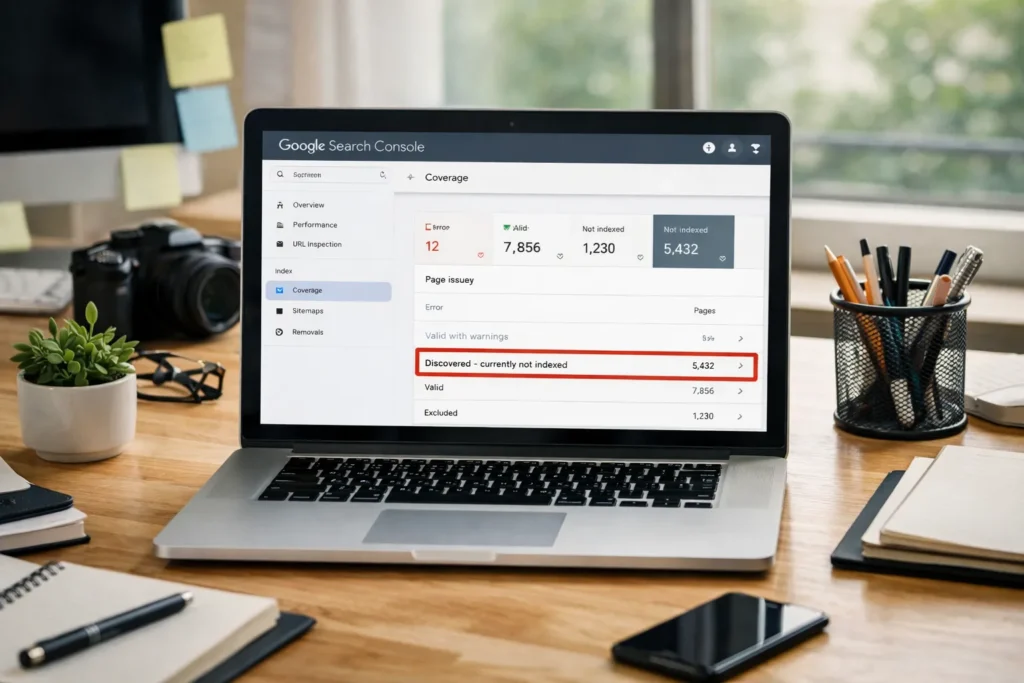
What “Discovered – Currently Not Indexed” Actually Means
This is different from other Google indexing issues where pages are crawled but still not added to the index.
When Google shows “discovered – currently not indexed,” it means:
- Google found your URL (through links, sitemaps, or external sources)
- Google has not crawled or indexed the page yet
- The page is not eligible to rank in search results
This is different from:
- Crawled – currently not indexed (Google visited the page but chose not to index it)
- Indexed (page is live in Google search)
Understanding this difference helps you apply the right fix.
Why Google Discovered But Not Indexed Your Page
Here are the most common reasons:
1. Thin or Low-Value Content
If the page offers little value, Google may delay or skip indexing.
Fix:
- Add more useful content
- Match search intent
- Improve depth and clarity
- Add examples, visuals, and FAQs
2. Too Many Low-Quality URLs (Index Bloat)
WordPress and other CMS platforms create many low-value URLs:
- Tag pages
- Pagination
- Filters
- Parameter URLs
Google may prioritize higher-value pages and delay indexing others.
Fix:
- Noindex low-value pages
- Clean your sitemap
- Block useless URLs in robots.txt
- Improve internal linking to priority pages
3. Weak Internal Linking
If Google can’t easily find your page from your site structure, it may deprioritize crawling.
Fix:
- Link to the page from strong, relevant pages
- Place links higher on the page
- Use descriptive anchor text
- Keep important pages within 2–3 clicks
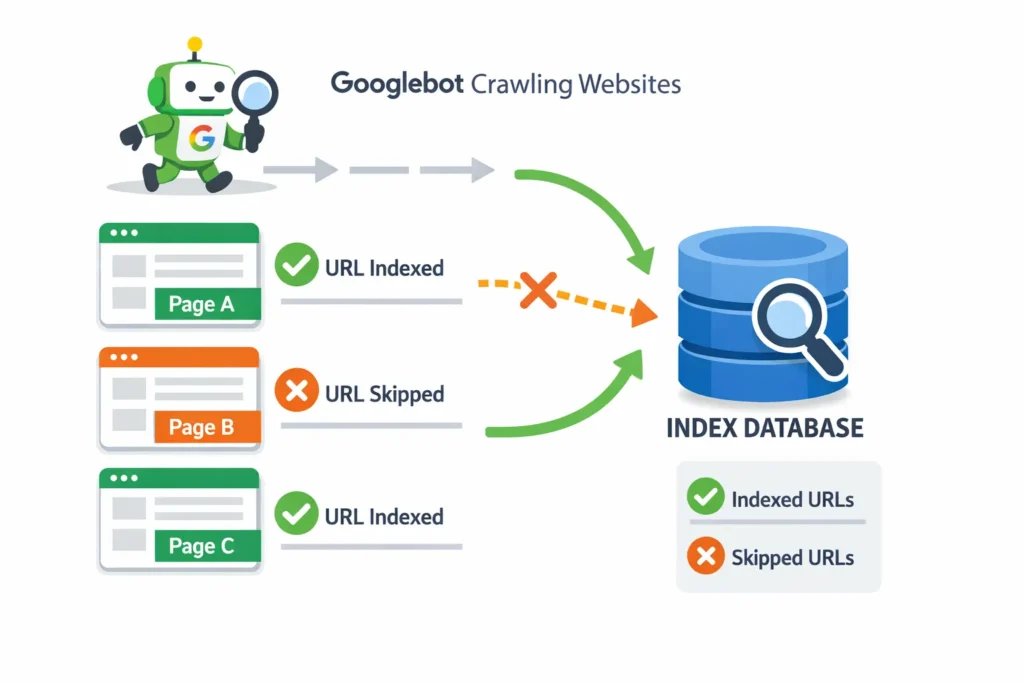
4. Crawl Budget Issues (Even for Small Sites)
These crawl budget problems are common in technical SEO for WordPress due to tag pages, archives, and pagination.
Crawl budget is not only for huge sites. If Google wastes crawl time on junk URLs, your important pages get delayed.
Fix:
- Remove low-value URLs from sitemap
- Noindex thin archives
- Improve site architecture
- Fix broken links and redirect chains
5. Technical Issues Blocking Crawling
Common technical causes:
- Slow server response
- Intermittent 5xx errors
- Blocked resources
- Heavy JavaScript rendering delays
Fix:
- Improve server performance
- Fix 5xx and timeout errors
- Reduce render-blocking scripts
- Test with URL Inspection live test
6. New or Low-Authority Sites
Google is slower to crawl and index new sites or low-authority pages.
Fix:
- Earn a few quality backlinks
- Publish consistent content
- Improve internal linking
- Build topical authority
How to Fix “Discovered – Currently Not Indexed” (Step-by-Step)
Follow this exact process:
1st Step: Inspect the URL in Search Console
- Go to URL Inspection
- Check live URL
- Confirm page is accessible
2nd Step: Improve Page Quality
- Expand thin content
- Add original insights
- Improve headings and structure
- Add internal links
3rd Step: Clean Your XML Sitemap
- Remove noindex pages
- Remove low-value URLs
- Only include canonical, indexable pages
4th Step: Improve Internal Linking
- Add links from relevant pages
- Link from your top-performing pages
- Place links contextually in content
5th Step: Fix Technical Issues
- Improve page speed
- Fix server errors
- Remove unnecessary JS
- Ensure no robots.txt blocking
6th Step: Request Indexing
- Use URL Inspection
- Click “Request Indexing”
- Do this after fixes only
How Long Does It Take to Fix “Discovered – Not Indexed”?
There is no fixed timeline. In most cases:
- Small sites: a few days to a few weeks
- Larger sites: several weeks
- Low-quality pages: may never get indexed
The key factor is value. Google indexes pages it believes are worth indexing.
How to Prevent This Problem in the Future
- Publish fewer, higher-quality pages
- Control URL bloat
- Keep your sitemap clean
- Build strong internal linking
- Regularly audit index coverage
- Improve site performance
Final Advice
“Discovered – currently not indexed” is a signal, not an error. It means Google is unsure if your page deserves to be indexed yet. When you improve quality, structure, and crawl signals, Google will index your page naturally.
FAQs
Why does Google discover but not index pages?
Because Google prioritizes pages it believes provide value. Thin content, weak internal linking, crawl budget waste, and technical issues delay indexing.
How do I fix “discovered currently not indexed” in Search Console?
Improve page quality, clean your sitemap, strengthen internal links, fix technical issues, and request indexing after fixes.
How long does it take Google to index discovered pages?
It can take days to weeks. Some low-value pages may never be indexed.
Should I keep requesting indexing?
No. Fix the underlying issues first. Repeated requests without changes usually don’t help.