
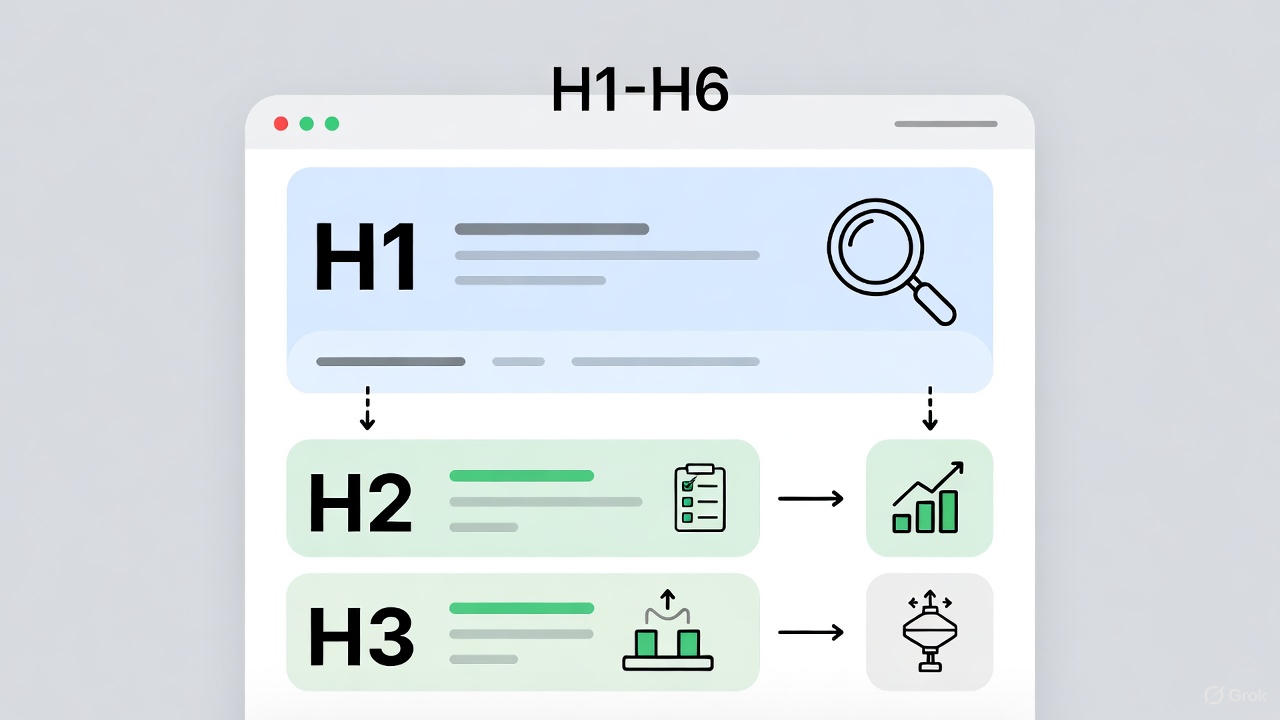
Header tags help you organize your content. They also help search engines understand your page. This guide explains header tags using Simple SEO rules.
You will learn how to use them the right way. In Simple SEO, the focus is on clarity and user value. Header tags play a key role here. They make pages easy to read. They boost rankings, too. Let’s dive in with more details.
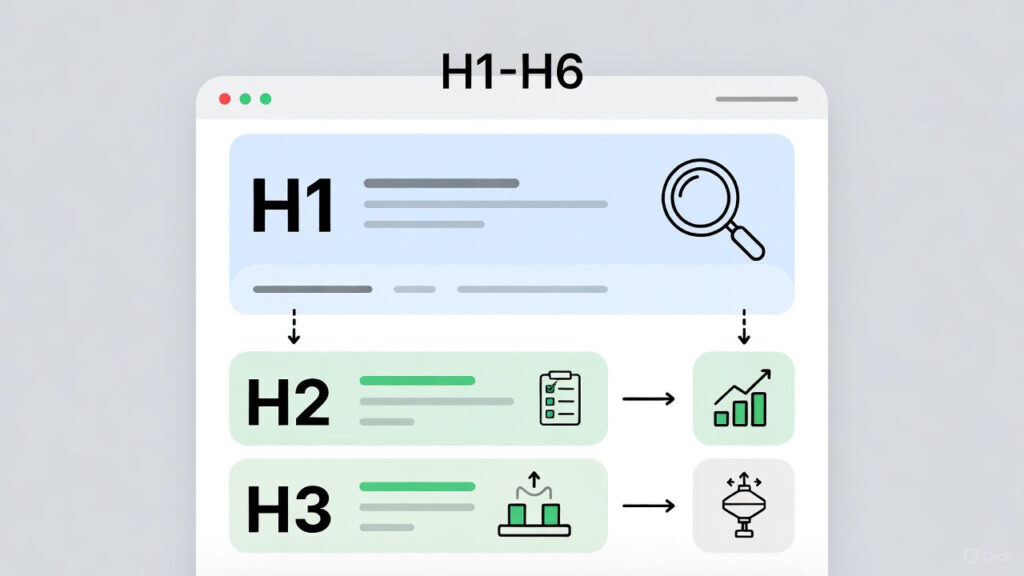
What Are Header Tags (H1–H6)? A Simple SEO Guide
Header tags help you organize your content. They also help search engines understand your page. This guide explains header tags using Simple SEO rules. You will learn how to use them the right way. In Simple SEO, the focus is on clarity and user value. Header tags play a key role here. They make pages easy to read. They boost rankings, too. Let’s dive in with more details.
What Are Header Tags?
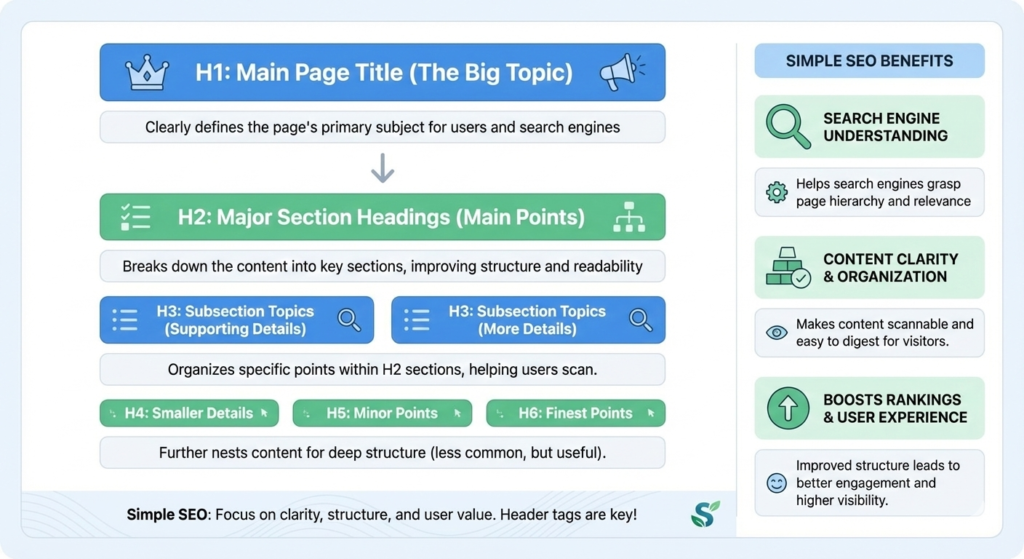
Header tags are titles inside your content. They go from H1 to H6. H1 is the main heading. It sets the page topic. H2 breaks it into sections. H3 adds sub-details. H4, H5, and H6 give even more layers. But most pages stop at H3.
Header tags show structure. They tell readers what each section is about. For example, in a blog post, H1 could be the title. H2 might cover the main points. This setup guides eyes down the page.
They also help Google scan your page faster. Search engines use headers to grasp content. Headers act like road signs. They point to key info. Without them, pages look like walls of text. Readers leave quickly. Google ranks them lower.
Why Header Tags Matter in Simple SEO
Header tags improve reading. Users scan pages fast. Headers let them jump to parts they need. This cuts bounce rates. Happy users stay longer. Google notices this. It rewards sites with good engagement.
They also improve rankings. Search engines use header tags to determine the order of topics. Headers hold keywords. This helps match searches. For instance, if someone searches for “header tags SEO”, a clear H2 heading helps it rank.
Headers find important keywords. Google crawls them first. Strong headers boost relevance. They match search intent. Intent means what users want. Like info or buys. Headers clarify this.
Good structure helps both users and search engines. That is the core idea of Simple SEO. It builds trust. It aids accessibility, too. Screen readers use headers to navigate. This widens your audience. In 2025, with AI search rising, headers help snippets. AI pulls from structured pages.
H1 Tag: The Main Topic
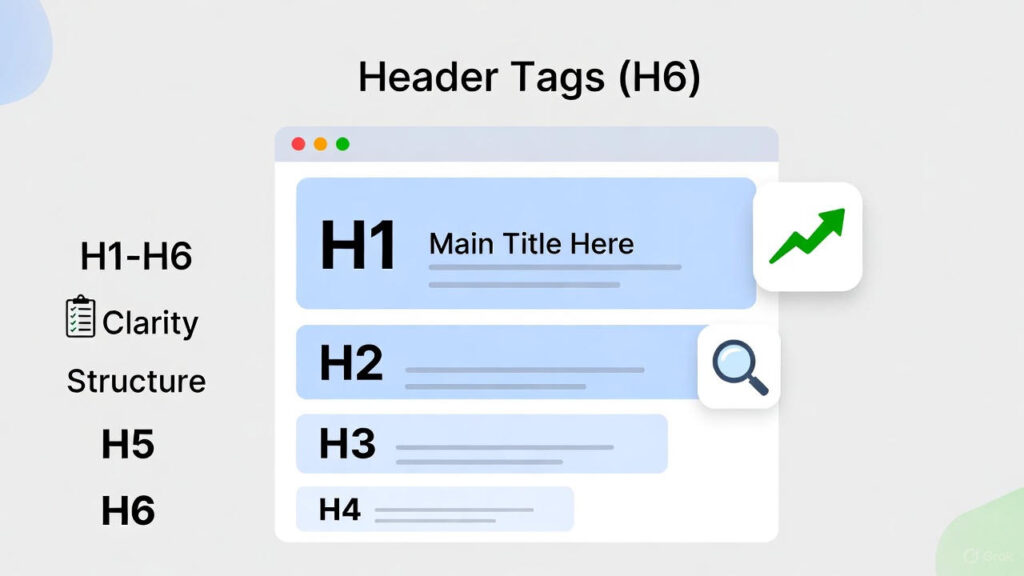
The H1 tag is your page title. You should use only one H1 per page. It tells the core idea. Keep it short. Aim for 50-60 characters. Include your focus keyword.
Your H1 should explain the main topic. Make it catchy. Users see it first in the results. For example, this guide’s H1 is “What Are Header Tags (H1–H6)? A Simple SEO Guide”. It includes the key term.
Include your focus keyword in H1. Place it early. This helps SEO. But keep it natural. No stuffing. H1 sets the tone. It promises value. Good H1 draws clicks.
In WordPress, H1 is often the post title. Check it shows right. Tools like SEMrush scan H1 use. Simple SEO rule: One H1 rules the page.
H2 Tags: Main Sections
H2 tags break your content into sections. They support the H1 topic. Use them for key parts. This makes long posts easy to follow.
Use H2 tags for key questions or main ideas. Or important sections. For example, “Why Header Tags Matter” as H2. It groups related info.
Good H2 tags make your article easy to scan. Users read headings first. Clear H2 keeps them hooked. Include keywords in H2. Like “H2 Tags in SEO”. This strengthens topic signals.
Limit H2 to 5-7 per page. Too many confuse. In Simple SEO, H2 acts as chapters. They guide the story.
H3 Tags: Sub-Topics
H3 tags sit under H2 tags. They explain smaller points. Use them to add depth without clutter.
Use H3 when you need more detail. Or when a section feels too long. For example, under H2 “Why Header Tags Matter”, H3 could be “Impact on Rankings”.
H3 helps readers stay focused. It breaks big ideas small. Include sub-keywords here. Like “H3 for User Intent”. This aids semantic SEO.
In tools like Yoast, H3 shows in outlines. Simple SEO uses H3 for flow. It keeps pages organized.
H4–H6 Tags: Extra Detail
H4 to H6 tags are rarely needed. They work for deep guides or technical pages. H4 adds under H3. H5 and H6 go deeper.
For Simple SEO, you often stop at H3. Too many levels make pages hard to read. Use H4 for lists in sections. Like under H3 “Best Practices”, H4 “Keyword Placement”.
These tags give structure to complex content. But keep it simple. Overuse looks messy. Google reads them but focuses on the top levels.
Best Practices for Header Tags
Follow these simple rules to use headers correctly. They boost SEO and readability. Use one H1 only. It is the king. Multiple H1 confuse engines. Keep headings short. Under 70 characters. This fits mobile screens.
Use keywords naturally. Place the main ones in H1 and H2. Avoid force. Follow logical order. H1 first, then H2, H3 as needed. No jumps. Never skip levels. Go H2 then H3. Skipping hurts structure. Make headers descriptive. They should stand alone. Tell what follows.
Use action words. Like “How to” or “Why”. This engages users. Check with tools. SEMrush or Ahrefs scan header use. Fix gaps. Good structure improves clarity. Clarity improves SEO. Headers also aid voice search. AI reads them for answers.
Common Header Tag Mistakes
Avoid these errors to keep SEO strong. Using many H1 tags. Stick to one. Extra H1 dilute focus. Stuffing keywords. Headers must read naturally. Spam drops ranks. Skipping from H2 to H4. Follow the order. Gaps confuse crawlers. Using headings only for styling. Bold text is not an H tag. Use proper HTML.
Making headers too long. Short ones work best. Long ones truncate in results. Ignoring keyword placement. Put them in headers. But not all. Not matching intent. Headers must reflect user needs. Mismatch loses traffic. These mistakes hurt Simple SEO. Fix them for better results.
How Header Tags Help AI Search
AI tools read the structure first. Clear headers help AI understand answers. In 2025, AI like Gemini pulls from structured pages. Well-written header tags increase featured snippet chances. Snippets show direct answers. Good H2 often wins them.
They boost AI answer visibility. AI summarizes headers. This gives exposure without clicks. Headers improve content trust. AI favors organized pages. E-E-A-T shines here. Simple structure wins in AI search. Use headers to guide AI. This future-proofs your SEO.
Final Thoughts
Header tags are not just design tools. They are SEO signals. If you use header tags correctly, your content reads better. Your rankings improve. AI understands your page.