
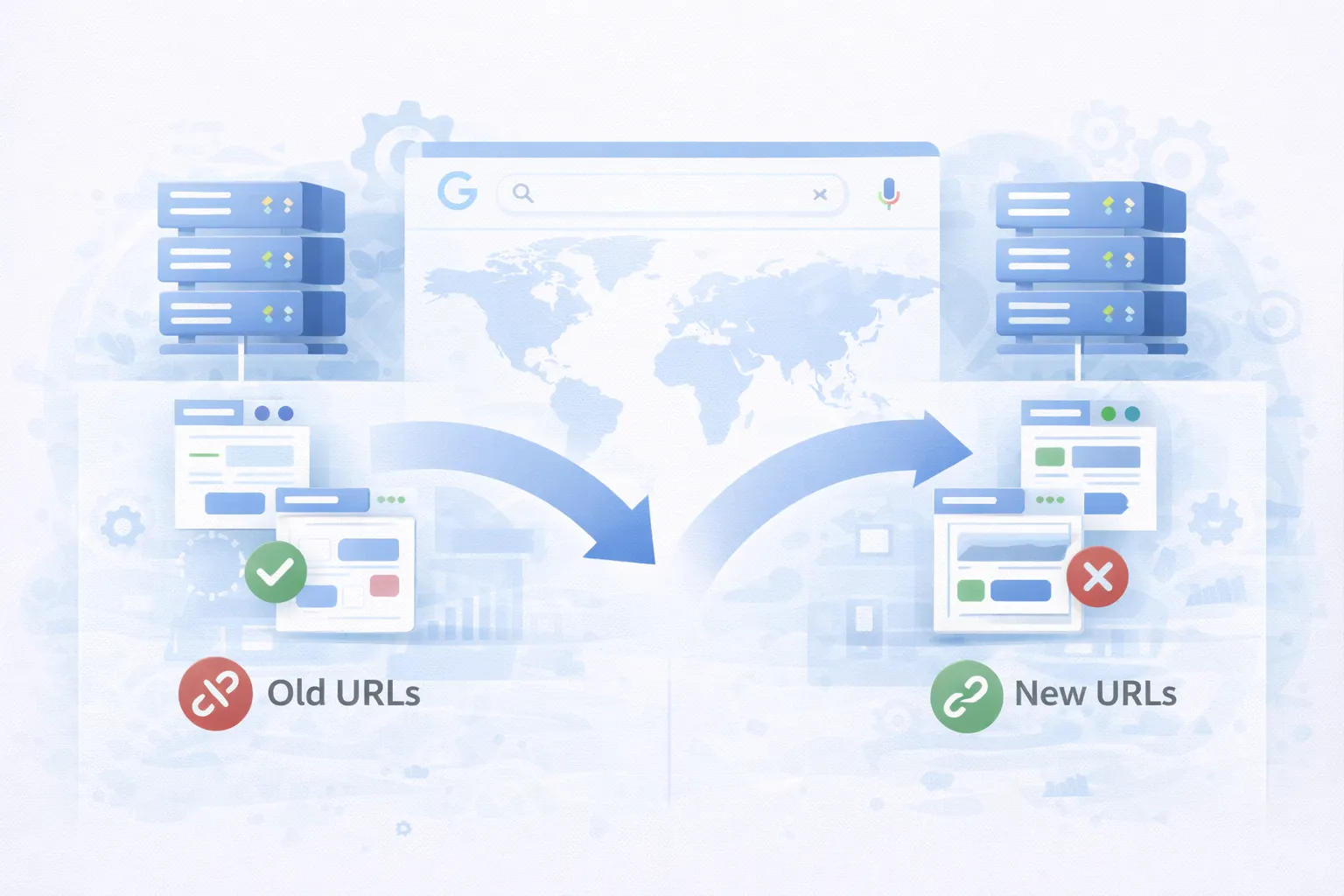
301 Redirects & Migrations: How to Protect SEO During Site Changes
301 redirects and website migrations are among the highest-risk SEO operations. When handled correctly, rankings are preserved or even improved. When handled poorly, traffic, authority, and trust can disappear overnight.
This guide explains how 301 redirects and migrations work, why they matter for SEO and AI systems, and how to execute them safely.
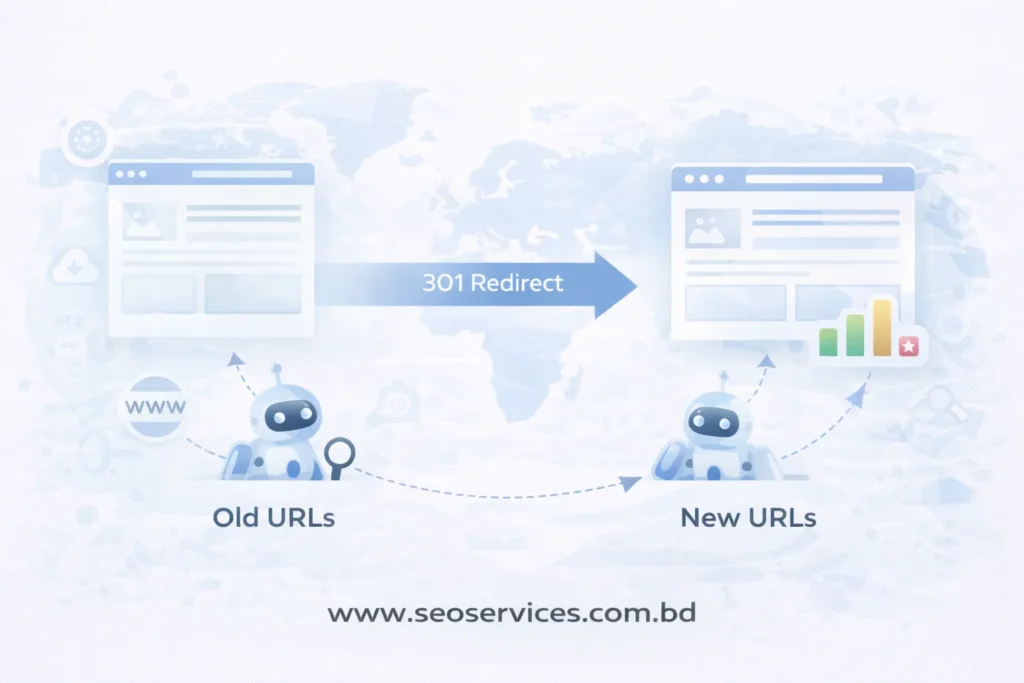
What Are 301 Redirects?
A 301 redirect is a permanent redirect that tells search engines a URL has moved to a new location.
It passes:
- Link equity
- Ranking signals
- Indexing authority
301 redirects are essential when:
- URLs change
- Pages are removed or merged
- Domains change
- Site structure is reorganized
Temporary redirects do not pass authority the same way. For permanent changes, 301s are mandatory.
What Is an SEO Migration?
An SEO migration is any significant website change that affects URLs, structure, or content.
Common migration types include:
- Domain changes
- HTTPS migrations
- CMS changes
- Website redesigns
- URL restructuring
- International expansion
Every migration requires a 301 redirect strategy to preserve rankings.
Why 301 Redirects & Migrations Matter for SEO
Search engines rely on URLs as identifiers. When URLs change without proper redirects:
- Rankings drop
- Pages fall out of the index
- Backlinks break
- Crawl efficiency declines
- AI systems lose context
A clean redirect and migration strategy ensures:
- Authority transfers correctly
- Users land on relevant pages
- AI summaries reference the correct URLs
- Google trusts the site post-change
Core Components of a Safe SEO Migration
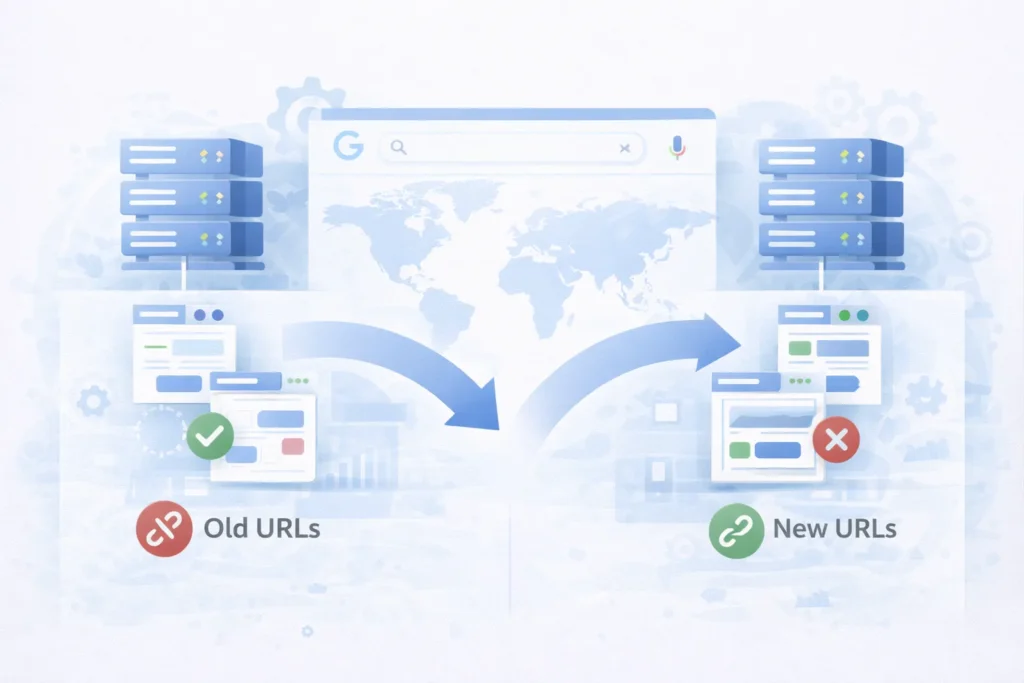
1. Pre-Migration URL Mapping
Before any change, map:
- Old URLs → New URLs
- One-to-one wherever possible
- Avoid redirect chains
Every important URL must have a destination.
2. Correct 301 Redirect Implementation
Best practices:
- Use server-side 301 redirects
- Redirect directly to the final URL
- Avoid 302 or JavaScript redirects
- Keep redirects live long-term
Redirect chains dilute signals and slow crawling.
3. Content & Intent Preservation
Redirects should match search intent, not just URLs.
Example:
- Old blog → relevant new blog
- Old service page → equivalent service page
Redirecting everything to the homepage is a critical SEO mistake.
4. Canonicals, Sitemaps, and Internal Links
Post-migration checks must include:
- Updated canonical tags
- New XML sitemaps
- Internal links pointing to new URLs
- Removal of old URLs from navigation
Consistency accelerates reindexing.
5. Crawl & Index Validation
After migration:
- Monitor Google Search Console
- Track crawl errors
- Watch index coverage
- Validate redirected URLs
Early detection prevents long-term damage.
How AI Systems Interpret Redirects & Migrations
AI-driven search systems rely on:
- Stable URL relationships
- Clear canonical signals
- Consistent internal linking
Poor redirect logic causes:
- Wrong pages being summarized
- Outdated URLs in AI answers
- Loss of entity continuity
Clean migrations help AI systems maintain trust in your site.
Common 301 & Migration Mistakes
Avoid these high-impact errors:
- Using 302 instead of 301
- Missing redirects for long-tail pages
- Redirect chains and loops
- Redirecting all pages to one URL
- Forgetting international hreflang updates
- Removing redirects too early
Most migration failures come from planning gaps, not technical limits.
301 Redirects & Migrations Checklist
- Full URL inventory
- One-to-one redirect mapping
- Server-level 301 redirects
- Updated canonicals
- Updated sitemaps
- Internal link cleanup
- Post-migration monitoring
- Long-term redirect maintenance
This checklist prevents 90% of SEO migration disasters.
Final Thoughts
301 redirects and migrations are not routine tasks. They are SEO-critical operations that determine whether rankings survive change.
Handled correctly, migrations protect authority and future-proof visibility.
Handled poorly, they erase years of growth.
Planning, precision, and validation make the difference.