
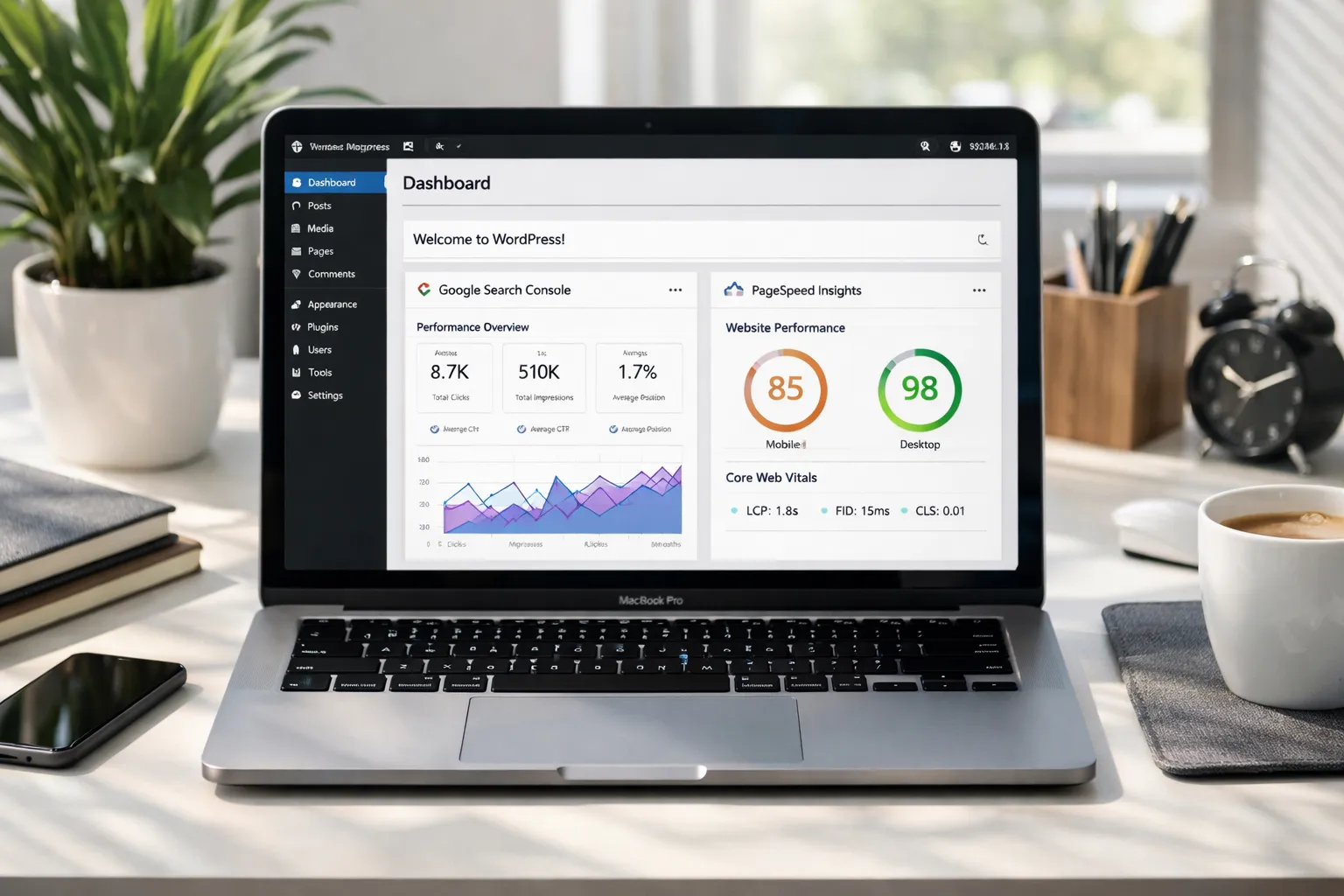
Technical SEO for WordPress What Most Sites Miss
Most WordPress sites fail at technical SEO. Not because owners don’t care about SEO, but because WordPress quietly creates technical problems that generic SEO advice does not fix. Plugins conflict, themes slow pages down, archives create duplicate URLs, and important pages don’t get crawled or indexed properly.
This guide breaks down technical SEO for WordPress in practical terms. You’ll learn what most sites miss, why these issues hurt rankings, and exactly how to fix them.
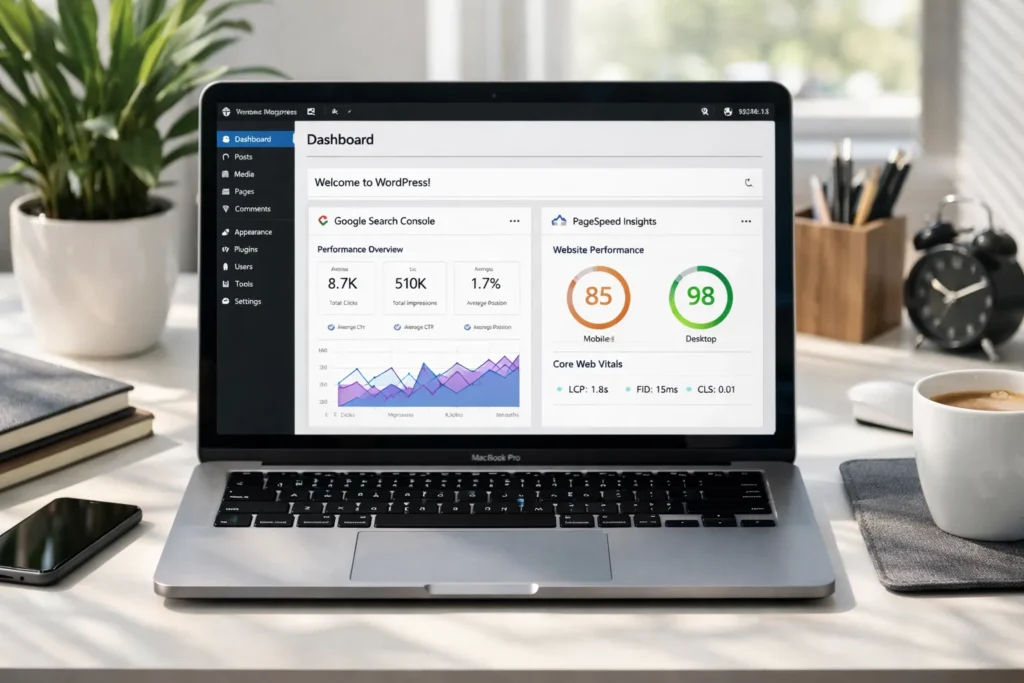
Why Technical SEO for WordPress Is Different
WordPress is flexible, but that flexibility creates technical debt.
Common WordPress-specific SEO problems:
- URL bloat from tags, categories, pagination, and archives
- Plugin conflicts that affect crawling and indexing
- Themes that break Core Web Vitals
- Lazy loading and JavaScript that block rendering
- Auto-generated pages getting indexed with thin content
Generic technical SEO checklists don’t account for how WordPress actually behaves in real projects. That’s why many WordPress sites struggle with crawling, indexing, and performance even when content is good.
Crawling vs Indexing in WordPress (Where Most Sites Fail)
Google crawling and indexing problems are common on WordPress sites because of how URLs are generated.
Typical WordPress crawl and index issues:
- Category, tag, author, and date archives creating duplicate URLs
- Pagination generating hundreds of low-value pages
- Thin archive pages getting indexed
- Important pages buried too deep in site structure
How to fix WordPress crawling and indexing issues
- Noindex low-value tag, author, and date archives
- Block useless URLs in robots.txt
- Add internal links to important pages
- Clean up pagination and parameter URLs
- Submit a clean XML sitemap
This prevents crawl budget waste and helps Google prioritize your important URLs.
XML Sitemaps and robots.txt in WordPress (Often Misconfigured)
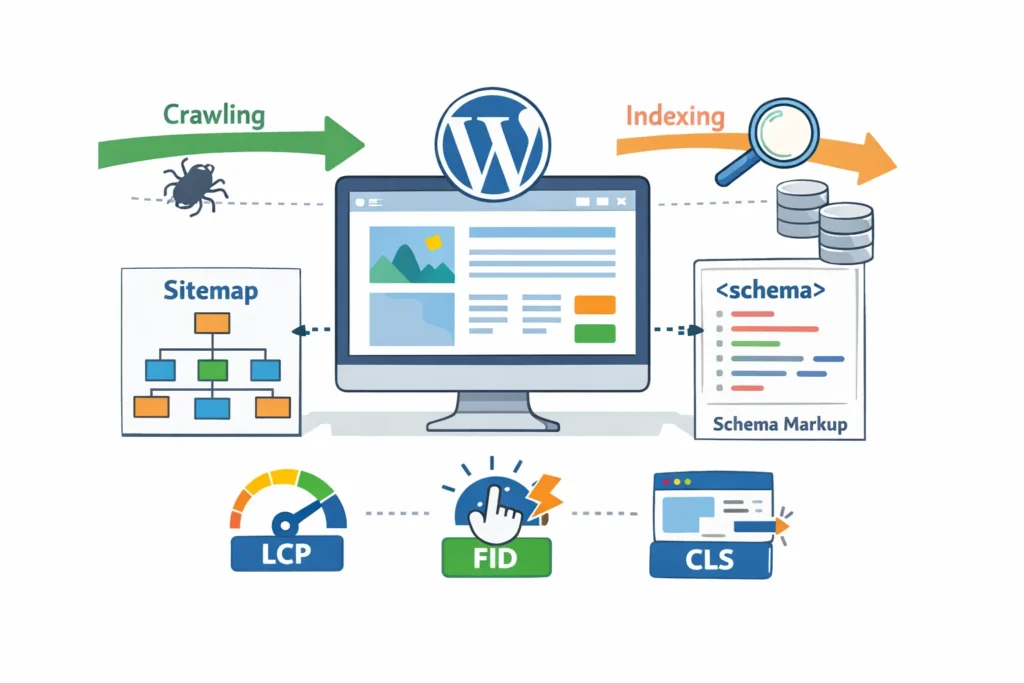
Most WordPress sites use SEO plugins for sitemaps, but they’re rarely configured correctly.
Common mistakes:
- Including noindex pages in sitemaps
- Including tag and archive URLs with no SEO value
- Blocking important paths in robots.txt
- Forgetting to update sitemaps after site changes
Best practices
- Only include indexable, canonical URLs in XML sitemaps
- Exclude thin archive pages
- Make sure robots.txt allows crawling of important sections
- Test sitemap URLs in Google Search Console
A clean sitemap and robots.txt setup helps Google crawl your WordPress site efficiently.
Core Web Vitals on WordPress (Theme and Plugin Problems)
Core Web Vitals are a major technical SEO problem on WordPress because themes and plugins often break performance.
Common causes of poor Core Web Vitals:
- Heavy page builders
- Unoptimized images
- Render-blocking scripts
- Too many plugins
- Poor hosting
How to fix Core Web Vitals in WordPress
- Use lightweight themes
- Optimize images and lazy loading
- Use proper caching
- Minify CSS and JavaScript
- Use a CDN
- Remove unnecessary plugins
Improving Core Web Vitals improves user experience and rankings.
JavaScript, Lazy Loading, and Rendering Issues
WordPress sites often rely on JavaScript for layout, animations, and content loading. This causes rendering problems for Google.
Common rendering issues:
- Content hidden behind JS
- Lazy loaded images not detected
- Page builders generating bloated DOM
- Third-party scripts blocking rendering
How to fix rendering issues
- Make sure critical content loads in HTML
- Avoid lazy loading above-the-fold images
- Reduce third-party scripts
- Test rendering in Google Search Console URL Inspection
If Google can’t render your content properly, indexing and rankings suffer.
Canonical URLs, Pagination, and Duplicate Content
WordPress creates duplicate content through:
- Categories and tags
- Author archives
- Pagination
- Search result pages
- Parameter URLs
How to fix duplicate content in WordPress
- Set correct canonical URLs
- Noindex low-value archives
- Consolidate similar pages
- Avoid indexing internal search results
- Keep URL structure consistent
This helps Google understand which URLs matter.
WordPress Schema Markup (An Overlooked Advantage)
Most WordPress sites rely on basic schema from SEO plugins. That’s not enough.
Schema types WordPress sites should use:
- Article schema
- FAQ schema
- Breadcrumb schema
- Organization schema
- HowTo schema (when relevant)
Correct schema improves rich results visibility and click-through rate. Custom schema often outperforms plugin defaults.
Technical SEO Checklist for WordPress (Practical Audit)
Use this checklist to audit any WordPress site:
Crawling and Indexing
- Important pages indexable
- Low-value pages noindexed
- Clean XML sitemap
- Robots.txt allows key URLs
Performance
- Core Web Vitals pass
- Images optimized
- Caching enabled
- Minimal plugins
Architecture
- Clear internal linking
- Important pages within 3 clicks
- Clean URL structure
Technical Hygiene
- Correct canonicals
- No duplicate content
- No broken links
- No redirect chains
Common Technical SEO Mistakes on WordPress
- Indexing tag and author archives
- Using too many plugins
- Ignoring Core Web Vitals
- Not managing crawl budget
- Relying only on SEO plugins
- Forgetting to audit indexing regularly
These mistakes silently kill rankings.
30-Day Action Plan to Fix Technical SEO for WordPress
1 Week
- Crawl site
- Fix indexing and sitemap issues
- Noindex low-value URLs
2 Week
- Fix Core Web Vitals
- Optimize images and scripts
3 Week
- Fix canonicals and duplicates
- Add schema markup
4 Week
- Improve internal linking
- Monitor Google Search Console
Final Thoughts
Technical SEO for WordPress is not about ticking boxes. It’s about controlling how Google crawls, renders, and indexes your site. Fixing the hidden technical issues most sites miss gives you a real ranking advantage, even before you publish more content.
FAQs
What is technical SEO for WordPress?
Technical SEO for WordPress focuses on improving crawling, indexing, site speed, Core Web Vitals, schema, sitemaps, and site architecture inside WordPress.
Why do most WordPress sites fail technical SEO?
Because of plugin overload, slow themes, duplicate URLs, misconfigured sitemaps, and poor crawl management.
Which plugins help technical SEO in WordPress?
SEO plugins help with metadata and sitemaps, but performance, caching, hosting, and site structure matter more.
How do I fix technical SEO issues in WordPress?
Audit crawlability, fix indexing problems, improve Core Web Vitals, clean up URLs, improve internal linking, and monitor Google Search Console.