
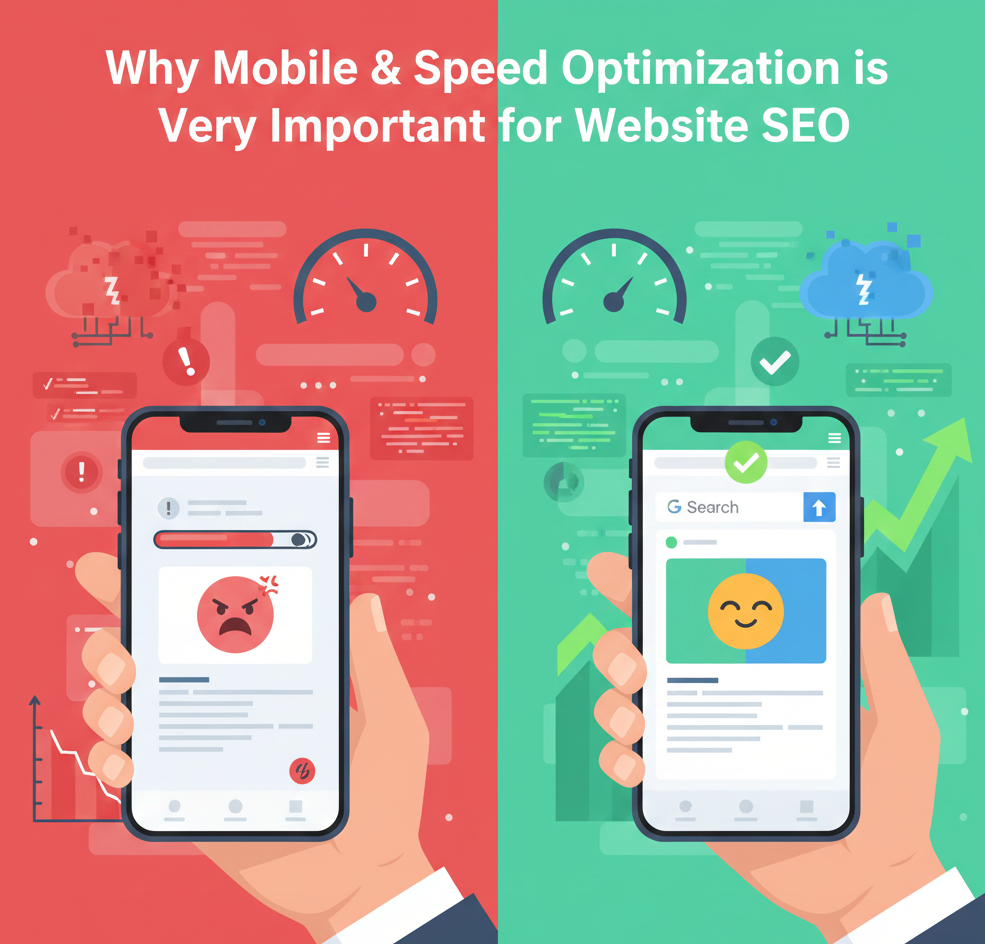
You own a website. You want top search rankings. Users now prefer phones over desktops. Mobile traffic hits 60% worldwide. This puts Mobile & Speed Optimization at the top of website SEO. Slow pages push users away. Google tracks this. It lowers your ranks. Technical SEO demands fast mobile sites now.
Content alone does not win. Speed makes it shine. This guide shows the full impact. You learn SEO tools to use. You get steps to fix issues. Local SEO gains, too. Fast sites win local searches. Read on to boost your SEO. If you care about strong website SEO, you must care about speed. You must also care about mobile users.
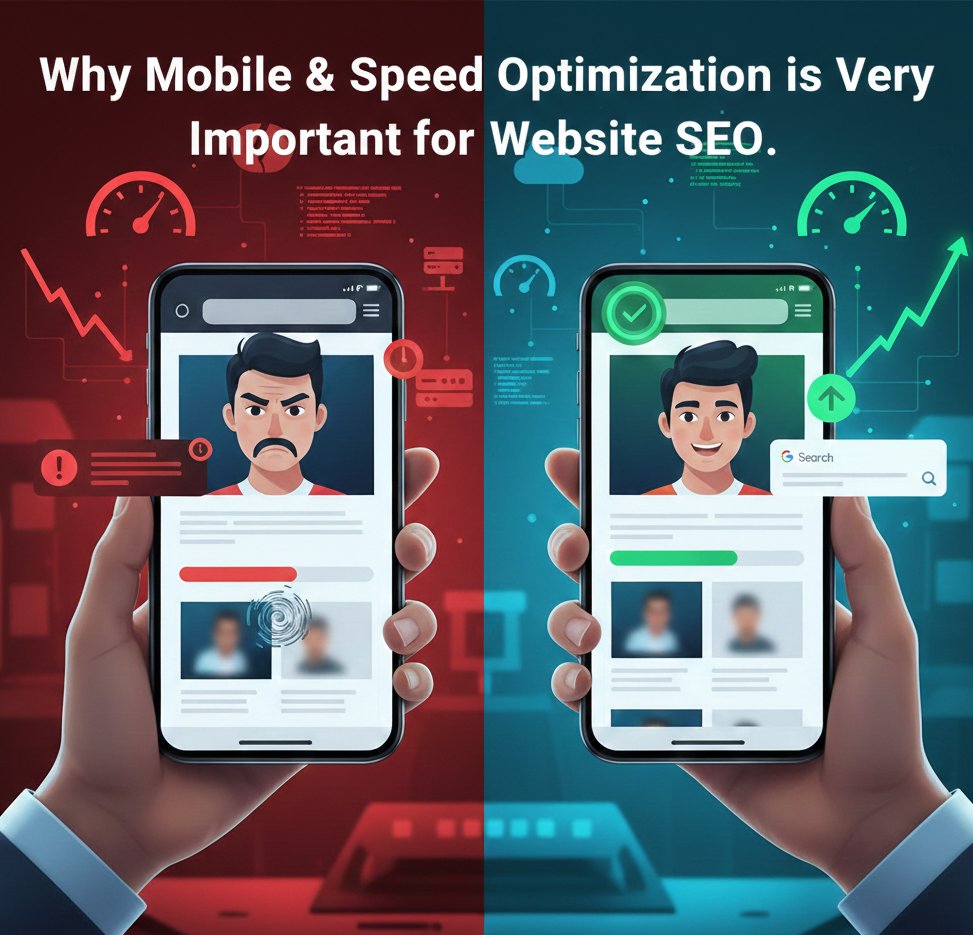
Today, most people search on their phones. Google knows this. That is why mobile performance now shapes rankings. Mobile & Speed Optimization is not just a design task. It is a key part of technical SEO. It affects crawlability, rankings, and conversions. In this guide, you will learn why it matters. You will also learn the positives and negatives. You will see which SEO tools suit your level and goals.
What is Mobile & Speed Optimization?
Mobile & Speed Optimization fits sites for phones. It loads pages in seconds. On mobile, buttons work for thumbs. Text scales easily. Menus stay simple. For speed, cut image sizes.
Clean up code. Choose quick servers. You gain steady visitors. Google bots crawl better. Rankings climb fast. This forms a technical SEO base. It lifts all website SEO work. Tools measure your scores. Start tests today.
Google uses mobile-first indexing. This means Google checks your mobile version first. If your mobile site is weak, rankings drop. Your desktop performance will not protect you. If your mobile version loads fast, Google trusts your site. You gain better visibility in search results.
Speed Is a Ranking Factor
Google confirms that speed affects rankings. It measures performance using Core Web Vitals.
- Largest Contentful Paint
- Cumulative Layout Shift
- Interaction delay
Google’s Mobile-First Indexing Explained
Google ranks your mobile site first. This rule started years ago. It rules SEO now. Mobile pages set your score. The desktop plays a second role. You build responsive designs. They shift for any screen. Test on phones often. Fix overlaps or tiny text. Google crawls the mobile version.
It indexes what users see. Poor mobile hides your content. Good mobile shows its width. Local SEO loves this. Phone users search stores near them. Update your site core. Use modern frameworks.
Core Web Vitals: Key Speed Signals
Google set Core Web Vitals. They track user feelings. LCP times the main content load. Target 2.5 seconds max. INP checks click speed. Keep under 200ms. CLS stops page jumps. Score below 0.1.
Pass these for rank boosts. Top sites hit green scores. You monitor in Search Console. Field data shows real users. Lab tests predict issues. Fix one by one. Images lead to LCP problems. Fonts cause CLS. JavaScript slows INP. Trim it smart. These tie to technical SEO. Strong vitals mean strong SEO.
How It Boosts User Experience
Users want instant pages. Most quit at 3 seconds. Fast sites hold attention. Bounce drops low. You see longer sessions. More page views follow. Conversions jump up. One second saved adds 7% sales. Mobile touch flows smoothly. No zoom fights. Local SEO users act fast. They call or drive over. Track signals in analytics. Dwell time proves wins. Happy users share links. Backlinks grow naturally.
How to Check Your Performance
You cannot fix a problem if you cannot see it. You need data to make good choices. Start by testing your site on different devices. Check your site on a slow 4G connection. Check it on an old smartphone. This shows you the real user experience. Once you see the gaps, you can start to fix them. How to Check Your Performance
You cannot fix a problem if you cannot see it. You need data to make good choices. Start by testing your site on different devices. Check your site on a slow 4G connection. Check it on an old smartphone. This shows you the real user experience. Once you see the gaps, you can start to fix them.
Essential SEO Tools for Every User
There are many SEO tools available. Some are for beginners. Others are for experts. Here is a guide to help you choose the right one.
1. Google PageSpeed Insights (Best for Beginners)
This tool is free and simple to use. You just enter your URL. It gives you a score from 0 to 100. It tells you exactly what to fix in plain English.
- Who it is for: Small business owners and new bloggers.
2. GTmetrix (Best for Visual Learners)
GTmetrix shows you a video of your site loading. It provides a “Waterfall Chart.” This chart shows which files are the slowest.
- Who it is for: People who want to see detailed data without paying.
3. Lighthouse (Best for Developers)
Lighthouse is built into the Chrome browser. It runs a very deep audit of your site’s code. It checks for speed, SEO, and accessibility.
- Who it is for: Web developers and technical experts.
4. SEMrush Site Audit (Best for Business Growth)
SEMrush is a paid tool. It crawls your entire website at once. It finds broken links and slow pages automatically.
- Who it is for: Marketing agencies and large business owners.
5. Pingdom (Best for Global Reach)
Pingdom tests your speed from different cities around the world. It is great if you have customers in many countries.
- Who it is for: Owners of international websites.
Top SEO Tools for Checks and Fixes
SEO tools spot speed gaps. Pick the right one for you. Here is a guide. Each suits user types. Google PageSpeed Insights gives Google scores. It mixes lab and field data. Run any URL for free.
Suits beginners. Small site owners use it daily. Quick audits fit solos. GTmetrix shows waterfalls. Video replays play loads. History tracks changes. Intermediate users love it. E-com sites pick PRO at $10/month. Deep analysis daily.
Lighthouse lives in Chrome. Audits speed plus access. Custom runs easily. Developers grab it. Agencies test on the fly. Free for pros. SEMrush Site Audit scans full technical SEO. Speed joins the issues list. Compares rivals. Agencies choose it. Teams need $129/month plans.
All-in SEO suites. WebPageTest tests world browsers. Filmstrips show steps. Unlimited free. Advanced users run it. Global sites test edges. Dev teams dive. Ahrefs Site Audit blends speed with links. Crawls like Googlebot. Tracks time.
SEO experts buy $99/month. Link builders add it. Local SEO agencies. Start with PageSpeed. New? It is simple. Grow to GTmetrix. Need trends? Yes. Devs? Lighthouse instant. Full website SEO? SEMrush rules. Free power? WebPageTest. Each adds unique value. Test two for the best view.
How to Improve Speed Immediately
You do not need to be a coder to improve your site. Some fixes are very simple. Start with these steps to boost your SEO.
Compress Your Images
High-quality photos are usually very large. They take a long time to load. Use a tool to shrink the file size. This keeps the photo looking good but makes it load faster.
Choose a Fast Web Host
Your host is where your website lives. A cheap host often has slow servers. If your server is slow, your site will be slow. Investing in a good host pays off in better rankings.
Use a Content Delivery Network (CDN)
A CDN stores copies of your site on servers across the world. A user in New York gets data from a New York server. This reduces the time data travels across the ocean.
Turn on Browser Caching
Caching saves parts of your site on the user’s phone. When they visit your site again, it loads much faster. The phone does not have to download everything twice.
The Role of JavaScript and CSS
JavaScript makes your site interactive. Too much of it makes your site heavy. Browsers have to work hard to read a lot of code.
Technical SEO experts suggest “minifying” your code. This means removing extra spaces and notes in the files. Smaller files travel faster through the internet. This helps your website’s SEO performance.
How Speed Affects Your Brand
A slow site makes your business look unprofessional. Users might think you do not care about quality. They might worry about the safety of their data.
A fast site builds trust instantly. It shows that you value the user’s time. Trust is the foundation of every sale. Good SEO helps you build that trust from the first click.
Mobile Optimization for E-commerce
If you sell products, mobile speed is vital. Most people shop on their phones while they are busy. They might be on a bus or waiting in line.
If the checkout page is slow, they will give up. You lose money every second they wait. A fast mobile shop increases your sales. It makes the buying process smooth and happy.
The Impact of Video on Speed
Videos are great for engagement. They are also very heavy. They can slow your site down to a crawl.
Do not host videos on your own server. Use a service like YouTube or Vimeo. Embed the video on your page instead. This lets their fast servers do the heavy work for you.
Mobile SEO and User Intent
People use mobile phones differently from computers. Mobile searches are often for immediate needs. They want an answer now.
You must put the most important info at the top. This is called being “above the fold.” If they have to scroll too much, they might leave. Anticipate what they need and show it fast.
Should you spend time on speed? The answer is always yes. Every second you save brings you closer to your goals. Investing in website SEO is an investment in your future.
Do not let a slow site hold you back. Start your optimization journey today. You will see more traffic and more happy customers. Good SEO starts with a fast, mobile-friendly site. Take the first step now. Your business deserves to be at the top of the search results. Use the tools and tips in this guide to get there.