
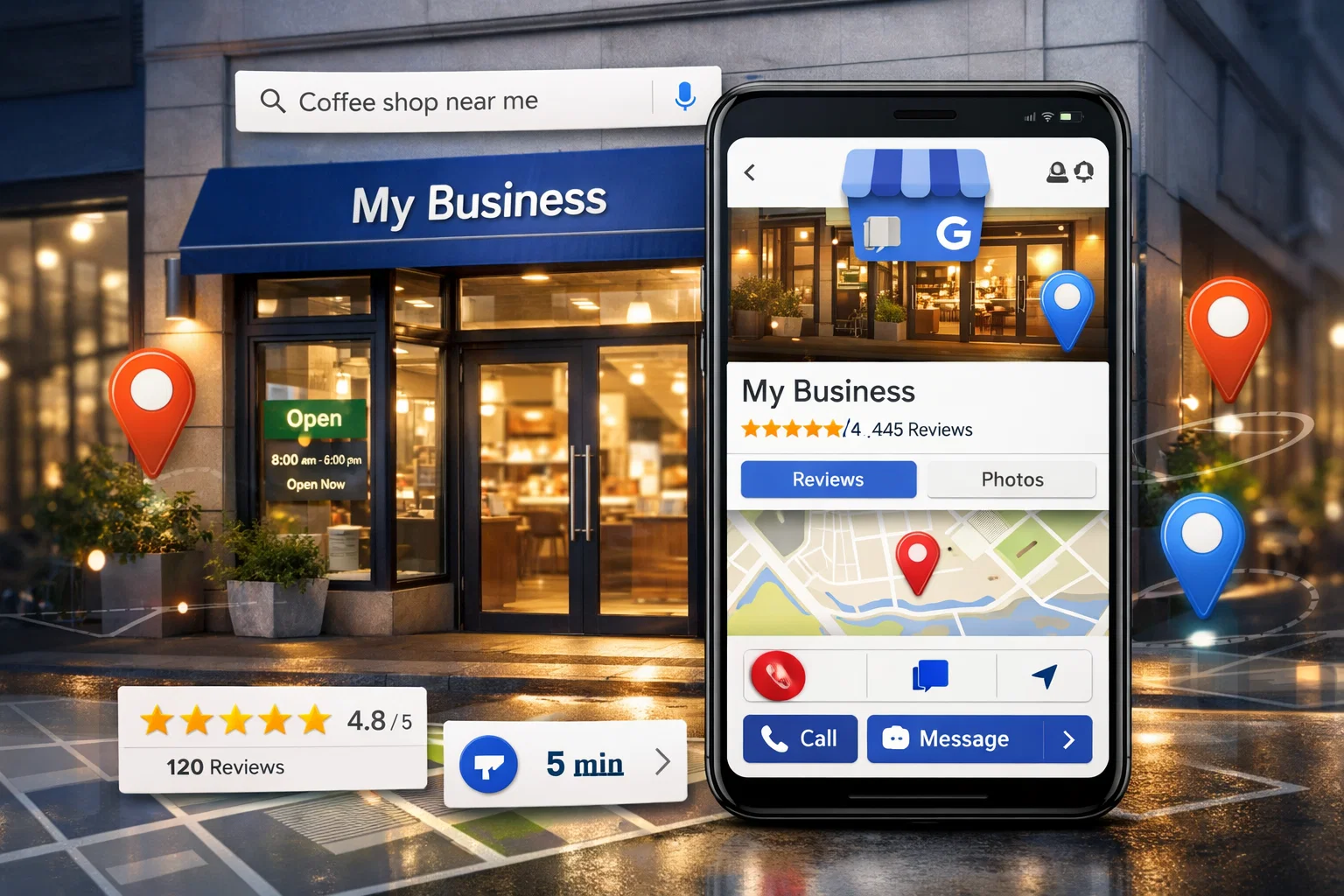
Google Business Profile optimization helps businesses get more local customers from Google Maps and search. In today’s digital world, most people search online before visiting a store or hiring a service. If your business isn’t visible locally, you could be losing many potential customers. Google My Business (GMB) is a powerful tool that helps businesses appear in local searches and on Google Maps. By optimizing your GMB listing, you can attract more local customers and grow your business effectively.
What Is Google Business Profile for Local SEO?
Google My Business is a free platform from Google that lets businesses manage their online presence. It displays your business information directly in Google Search and Maps. This includes your address, phone number, hours, website link, photos, and customer reviews. A well-optimized GMB listing builds credibility and helps your business stand out from competitors.
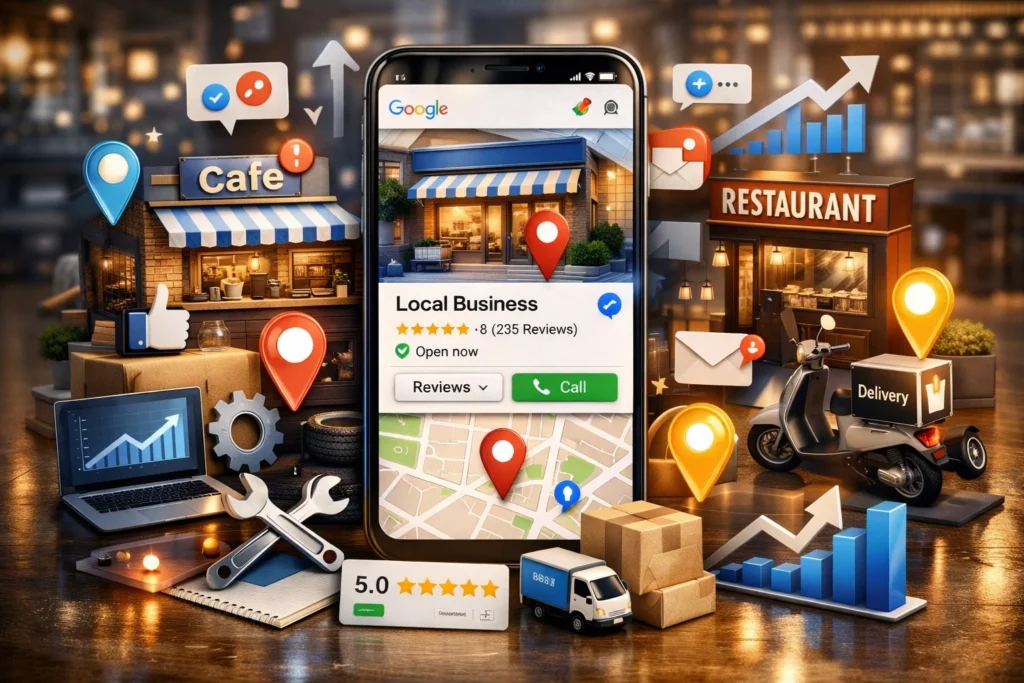
How GMB Helps Get Local Customers
A properly managed GMB listing can significantly increase your local customer base. Here’s how:
- Higher visibility on Google Maps: Customers nearby can easily find your business.
- More clicks and calls: GMB provides direct call and website links, making it easy for customers to connect.
- Builds trust: Reviews and ratings give potential customers confidence in your products or services.
Why do we use Google My Business?
We use Google My Business (GMB) because it helps businesses get found by local customers online and grow their presence. Here’s why it’s important:
1. Increase Local Visibility
GMB makes your business appear in Google Search and Google Maps when people search for products or services nearby. Without GMB, your business may not show up in local searches.
2. Attract More Customers
A complete and optimized GMB listing shows:
- Your address and directions
- Phone number for instant calls
- Website link to explore services
- Photos and videos of products or services
All of this makes it easier for people to contact or visit your business.
3. Build Trust with Reviews
Customers can leave reviews on your GMB listing. Positive reviews boost your credibility, while responding to reviews shows that you value your customers.
4. Showcase Your Business
GMB allows you to share posts, offers, and updates. You can highlight new products, discounts, events, or services, keeping your audience engaged.
5. Gain Insights
GMB provides analytics called Insights, showing how customers find your business, what actions they take, and which keywords bring traffic. This helps you make smarter marketing decisions.
Google My Business helps local businesses get noticed, gain trust, connect with customers, and grow sales—all for free.
Who are the most benifited for this
1. Local Shops and Stores
Small shops, retail stores, and convenience stores gain visibility in local searches. GMB helps people find their location, hours, and products quickly.
2. Restaurants and Cafes
Restaurants, coffee shops, and bakeries benefit hugely. Customers can see menus, photos, reviews, and even get directions or place online orders directly from GMB.
3. Service-Based Businesses
Plumbers, electricians, salons, gyms, cleaners, and repair services can attract nearby clients searching for services in their area.
4. Medical and Wellness Providers
Doctors, dentists, clinics, and physiotherapists benefit because patients can check reviews, hours, and book appointments easily.
5. Real Estate Agents and Property Services
GMB helps agents show property locations, offices, and contact info for people looking for local real estate.
6. Professional Freelancers and Small Agencies
Freelancers like tutors, photographers, designers, and marketing agencies gain local leads by showing services, portfolio, and reviews.
7. Tourism and Travel Businesses
Hotels, guest houses, travel guides, and tour operators attract tourists by showing location, photos, and reviews.
Steps to Optimize Your GMB Listing
Complete Your Business Information
Make sure your business name, address, phone number, and website are accurate. Consistency across all online platforms improves trust and local SEO.
Add Photos and Videos
Photos of your products, services, and storefront attract attention. Videos showing your team or services can make your listing more engaging.
Collect and Respond to Reviews
Encourage happy customers to leave reviews. Always respond politely to both positive and negative feedback to show that you value your customers.
Use Posts and Offers
Share updates, promotions, or events directly on your GMB listing. This keeps your audience informed and engaged.
Choose the Right Categories
Select relevant categories that describe your business accurately. This helps Google show your business to people searching for the services you offer.
Tips to Attract More Local Customers
- Include local keywords in your business description to improve search visibility.
- Keep your business hours updated to avoid customer frustration.
- Share your GMB link on social media and your website.
- Monitor GMB insights regularly to track how users find and interact with your listing.
Common Mistakes to Avoid
Incomplete or Inconsistent Information
Missing or mismatched business details confuse customers and harm your local SEO.
Ignoring Reviews
Not responding to reviews can make your business appear unprofessional.
Not Updating Photos or Posts
Regular updates keep your listing active and engaging. Neglecting this can reduce visibility.
Why Local Business Owners Should Take GMB Service
- Boost Local Visibility
GMB helps your business appear in Google Search and Google Maps when people nearby are looking for products or services. Without GMB, many local customers may never find you. - Attract More Customers
A well-optimized GMB listing shows your business hours, address, phone number, website, and reviews, making it easy for customers to contact or visit you. - Build Trust and Credibility
Customers often check reviews before visiting a business. GMB shows ratings, feedback, and photos, which increases trust in your business. - Promote Offers and Updates
You can post updates, discounts, events, or new products directly on GMB. This keeps your audience informed and encourages them to take action. - Gain Insights for Better Decisions
GMB provides analytics on how customers find you, what actions they take, and which searches lead them to your business. This data helps improve marketing strategies. - Stay Ahead of Competitors
Many local businesses still don’t use GMB properly. By taking GMB services, you can stand out and attract customers before your competitors do.
Summery
Google My Business (GMB) helps local businesses get discovered online. By creating and optimizing a GMB listing, businesses appear in Google Search and Maps, making it easy for nearby customers to find them.
GMB shows important details like address, phone number, hours, photos, and reviews, building trust and credibility. Service-based businesses, shops, restaurants, and medical providers benefit the most.
Regular updates, responding to reviews, and using posts or offers attract more local customers. GMB also provides insights into customer interactions, helping businesses grow efficiently and improve local visibility.
FAQs of Getting More Local Customers with Google My Business
1. What is Google My Business, and why should I use it?
Google My Business is a free tool that shows your business on Google Search and Maps. It helps local customers find you faster and increases trust through reviews and photos.
2. How can GMB bring more customers to my business?
By showing your business info, photos, and reviews in local searches, GMB makes it easy for customers to visit, call, or buy from you.
3. Do I need to update my GMB listing regularly?
Yes! Regular updates with posts, offers, photos, and accurate hours keep your listing active and attract more local customers.
4. Can small businesses benefit from GMB?
Absolutely! Small shops, restaurants, salons, and service providers gain local visibility and can compete with bigger businesses online.
5. How long does it take to see results from GMB?
You can start seeing traffic and inquiries within a few weeks, but fully optimized GMB listings can boost local visibility and customer engagement over a few months.
6. What is Google Business Profile?
Google Business Profile is a free tool from Google that helps businesses appear on Google Search and Google Maps. It shows your business name, location, reviews, photos, and contact details, making it easier for local customers to find you.
7. How to get more customers from Google Maps?
To get more customers from Google Maps, you should optimize your profile properly:
- Add accurate business information
- Use relevant keywords in your description
- Upload high-quality photos regularly
- Collect positive customer reviews
- Post updates and offers
These steps improve visibility and attract more local traffic.
8. Is Google Business Profile free?
Yes, Google Business Profile is completely free to use. You can create and manage your business listing without paying anything. However, you can spend money on ads through Google Ads if you want faster results.
9. How to rank in Google local 3 pack?
To rank in the Google local 3 pack, focus on these key factors:
- Optimize your Google Business Profile fully
- Use consistent NAP (Name, Address, Phone Number)
- Get high-quality reviews and ratings
- Add local keywords to your profile and website
- Build local backlinks and citations
Consistency and regular updates help improve your local ranking over time.