
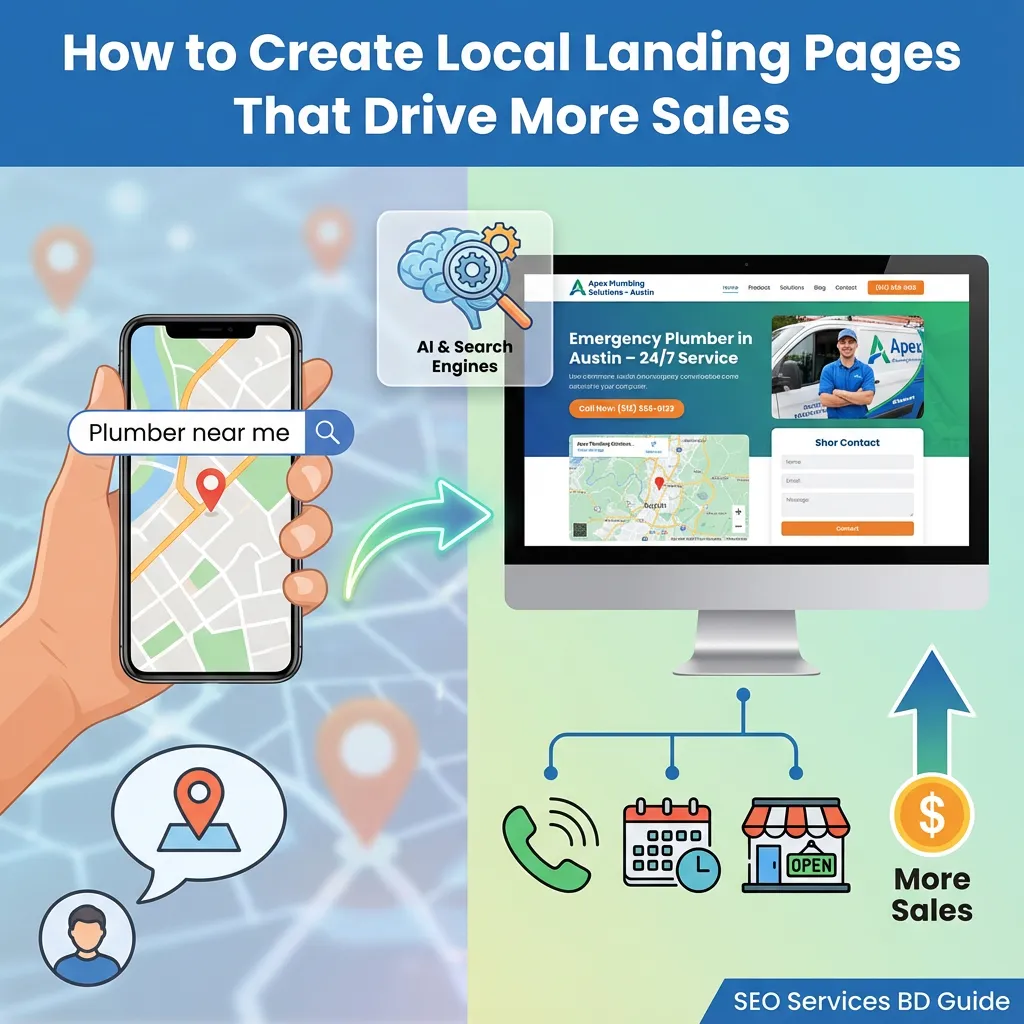
If you want more customers from Google in a specific city or area, you need strong local landing pages. These are the pages that turn “near me” searches into phone calls, bookings, and walk‑ins.
Search engines, map apps, and AI tools all try to match local intent with clear local answers. When your business has focused landing pages for each key service and location, you make that job easy, and you win more of the best traffic.
In this guide, we’ll walk through what local landing pages are, how to build them, and how agencies like SEO Services BD use them to grow local brands around the world.
What Is a Local Landing Page?
A local landing page is a targeted page designed to highlight a specific location and its service offerings. Its job is simple: help people in a specific area understand what you do and how to contact you.
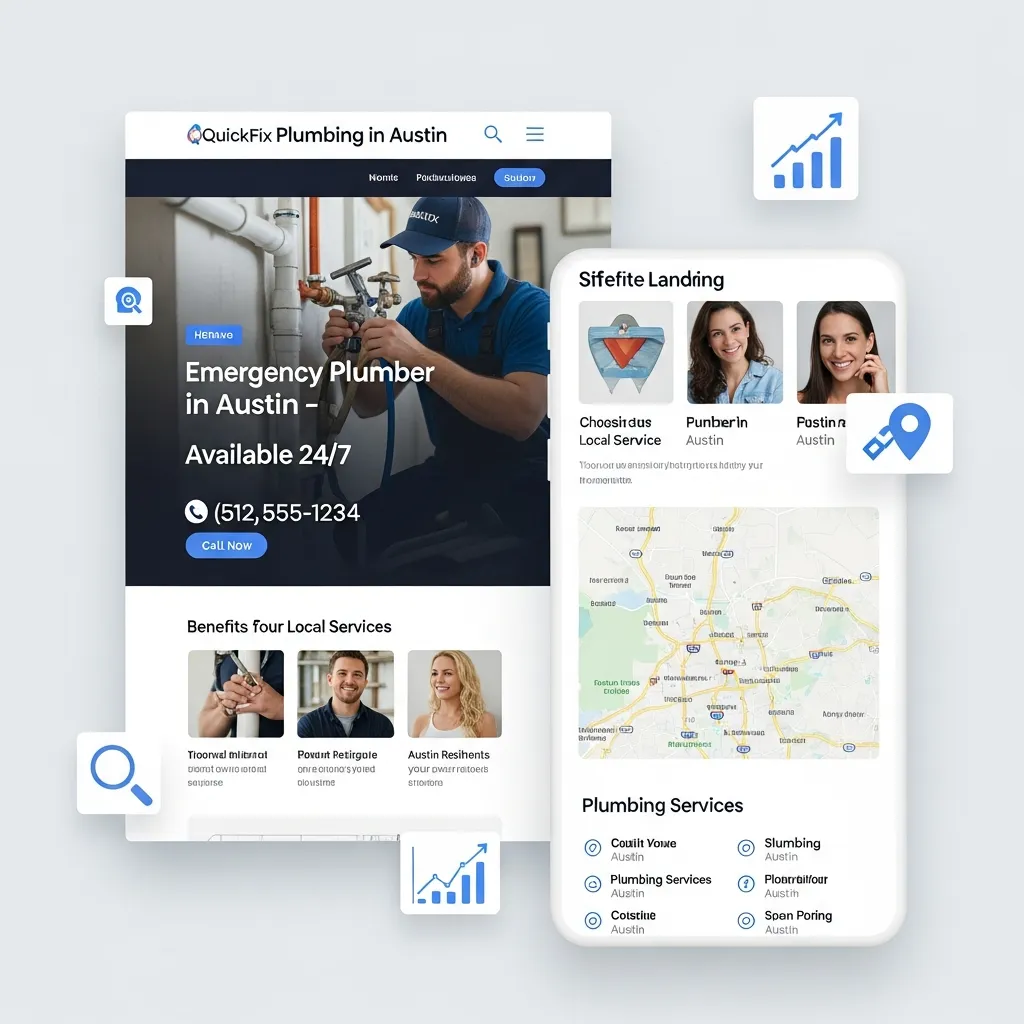
A few examples
- “Emergency plumber in Austin” page for a plumbing company
- “Family dentist in Toronto” page for a dental clinic
- “AC repair in Dubai Marina” page for an HVAC business
These pages are different from a generic homepage. Your homepage talks about the brand as a whole. A local landing page focuses on a single service in a single place, using the city, neighbourhood, or region your customer cares about.
Search engines love this clarity. When someone searches “AC repair in Dubai Marina”, a focused local landing page is far more likely to rank and convert than a generic “Services” page.
Why Local Landing Pages Drive Real Business Results
The impact of well-crafted local landing pages goes far beyond simple visibility. These pages deliver measurable business outcomes that directly affect your bottom line.
Higher conversion rates from ready-to-buy customers.
People searching with local intent aren’t just browsing—they’re ready to make a purchase decision. Whether they need an emergency repair, want to book an appointment, or plan to visit your store today, local searchers convert at significantly higher rates than general website visitors. Your local landing page captures this high-intent traffic at the exact moment they’re ready to take action.
Reduced competition compared to national keywords.
Competing for broad terms like “dentist” or “coffee shop” puts you against thousands of businesses nationwide. But targeting “family dentist in Austin” or “specialty coffee shop near Union Square” narrows your competition to businesses that actually serve those areas. By narrowing the focus to a specific location, the page becomes far more likely to secure first-page rankings.
Improved visibility in multiple search features.
Properly optimized local landing pages help you appear in both Google’s Local Pack (the map with three business listings) and organic search results below it. The top organic position captures approximately 27.6% of clicks, giving you multiple opportunities to attract customers from a single search query.
Trust-building through location-specific content.
When your landing page mentions familiar neighbourhoods, local landmarks, nearby transit stations, or community events, it immediately signals to visitors that you understand their area and serve their community. This local relevance builds trust faster than generic corporate messaging ever could.
How Local Landing Pages Fit into Local SEO & Modern Search
Local landing pages sit at the centre of your local SEO strategy.
They support:
Organic rankings:
Clear, focused pages give Google and other search engines a strong signal about what you offer and where you are.
Map pack and Google Business Profile:
Your local landing page often links directly from your local listing, providing full details, reviews, and CTAs.
Paid search:
In local advertising, a well-optimized landing page helps improve quality score, lower CPC, and drive higher conversion rates.
Search behaviour has also changed:
- Today, the majority of local searches are performed on mobile devices, often with “near me” or voice queries like “best pizza near me open now”.
- AI layers, such as Google AI Overviews, ChatGPT, Gemini, Copilot, and Perplexity, often summarise the web and present one or two standout options.
If your local landing pages are clear, fast, and easy to understand, these systems can confidently highlight your business. When titles and snippets attract clicks, your click‑through rate (CTR) improves, which is another positive signal that you’re a strong local answer.
What Makes Local Landing Pages Different From Regular Web Pages
Local landing pages focus on one thing: proving you can help people in a specific area and showing them how to contact you right away. Unlike general service pages, they use local headlines, addresses, maps, reviews and call buttons to turn nearby visitors into enquiries.
For a single location, the homepage often serves as the main local page, with local keywords, real photos and local testimonials.
Multi-location businesses should create a unique page for each city, with its own copy, reviews, and contact details, so that each location can rank properly.
Service-area businesses that visit customers, such as HVAC repair or mobile pet grooming, also need dedicated pages for each city or neighbourhood they cover, clearly stating where they work and how to book.
8 Essential Elements Of A High‑Converting Local Landing Page
1. Location‑Specific Keywords In Key Spots
Use your main local keyword, such as “dentist in Berlin” or “plumber in Dubai Marina,” in the title tag, H1, opening paragraph, and meta description.
Work in nearby areas, landmarks and phrases like “serving [area]” naturally, so the page clearly shows where you operate.
2. Clear NAP Information Near The Top
NAP means name, address and phone number. Show this close to the top of the page so visitors and search engines see it immediately.
Keep the format identical across your site, your business profile and directories so there is no confusion about your location.
3. Embedded Map With Your Exact Location
Add an interactive map showing your exact address, not just the city centre.
This helps people get directions with a single tap and reinforces your presence in that area.
4. Schema Markup For Local Details
Use the Local Business schema to label your name, address, phone number, hours and other basic facts in a structured way.
An explicit schema makes it easier for search engines to display rich results and pull correct data into local panels and assistants.
5. Unique Content For Each Location
Do not copy the exact text across all city pages and only swap the place name.
Describe local conditions, nearby landmarks, team members, offers and reviews that are specific to that location, with at least a few hundred words of original copy.
6. Strong Calls To Action Above The Fold
Show clear next steps, such as “Call Now,” “Book Appointment,” or “Get A Free Quote,” where visitors can see them without scrolling.
On mobile, make the call and message buttons large and tappable so people can contact you with a single tap.
7. Real Local Photos
Use photos of your actual premises, staff, vehicles and projects in that area instead of generic stock images.
Name files and write alt text with simple descriptions that include the place, such as “roof repair on Main Street in Austin.”
8. Mobile‑First Layout And Fast Loading
Design for phones first: large text, simple navigation, short forms and buttons that are easy to tap.
Keep pages light so they load quickly by compressing images and removing unnecessary code, which helps both rankings and conversions.
Common Local Landing Page Mistakes That Hurt Results
Even solid marketing teams can slip into patterns that quietly damage rankings and conversions. Here are the main issues and how to fix them.
Duplicate Content On Location Pages
Copying a single page and changing only the city name results in thin, repetitive content. Search engines see little value in it and struggle to decide which page to rank.
How to fix it
- Write at least a few hundred unique words for each location
- Add local details such as landmarks, service examples, and conditions
- Use different testimonials and photos for each area
- Review pages side by side to check they truly read differently
Hiding Location Pages From Navigation
Creating many location pages and hiding them from menus can make them look like doorway pages created only for search.
How to fix it
- Add a precise Locations or Service Areas item in the main menu
- List all city or branch pages under that section
- Link to key locations from the homepage and footer
- Make sure users can reach any location page in two or three clicks
Weak Mobile Experience
A page that is hard to use on a phone accounts for most of the local traffic. Small text, cramped layouts and slow loading all push people away.
How to fix it
- Test each page on real phones and tablets
- Use large, readable fonts and simple layouts
- Keep forms short, with only the most important fields
- Place call and message buttons where thumbs can reach easily
Generic, Non-Local Images
Stock photos that could be from any city do not build trust. Visitors cannot see clear proof that you really work in their area.
How to fix it
- Use photos of your own shop, office, team and vehicles
- Take pictures of projects and customers in each location
- Include local streets, landmarks or signs where possible
- Name image files and alt text with simple, place-based descriptions
No Clear Calls To Action
If people cannot see how to contact you, even the best content will not convert. Hidden or vague buttons slow visitors down.
How to fix it
- Place a main call to action near the top of the page
- Repeat it in the middle and at the bottom
- Use clear labels such as Call Now, Book Online, and Get A Quote
- Make buttons large, with a strong contrast against the background
Poor Connection With Local Profiles
Local landing pages and business profiles often show different details, which weakens local signals.
How to fix it
- Match the name, address and phone number on the page to your profile
- Link from each profile to its own location page, not only the homepage
- Mention the same opening hours and services in both places
- Update pages and profiles together when anything changes
Ignoring Speed And Technical Basics
Slow, buggy pages drive visitors away and limit how well search engines can crawl them.
How to fix it
- Compress and resize images before uploading
- Remove scripts, plugins and widgets you do not need
- Enable caching so repeat visitors load pages faster
- Check page speed and technical health regularly with audit tools
Take Your Local Search Visibility to New Heights
Local landing pages are no longer “nice to have”. They are the foundation of how modern customers discover and choose local providers – on Google, in map apps, and even inside AI‑powered search tools.
By focusing on clear intent, firm structure, and straightforward, helpful content, you can turn each key city or neighbourhood into a reliable source of leads and sales.
Start by auditing your current pages:
- Do you have focused pages for your most essential services and locations?
- Are they easy to use on mobile?
- Do they build trust and make it easy to contact you?
When you’re ready to go further, a specialist team like SEO Services BD can help you plan, build, and scale local landing pages that work across countries, and keep working as search evolves.