
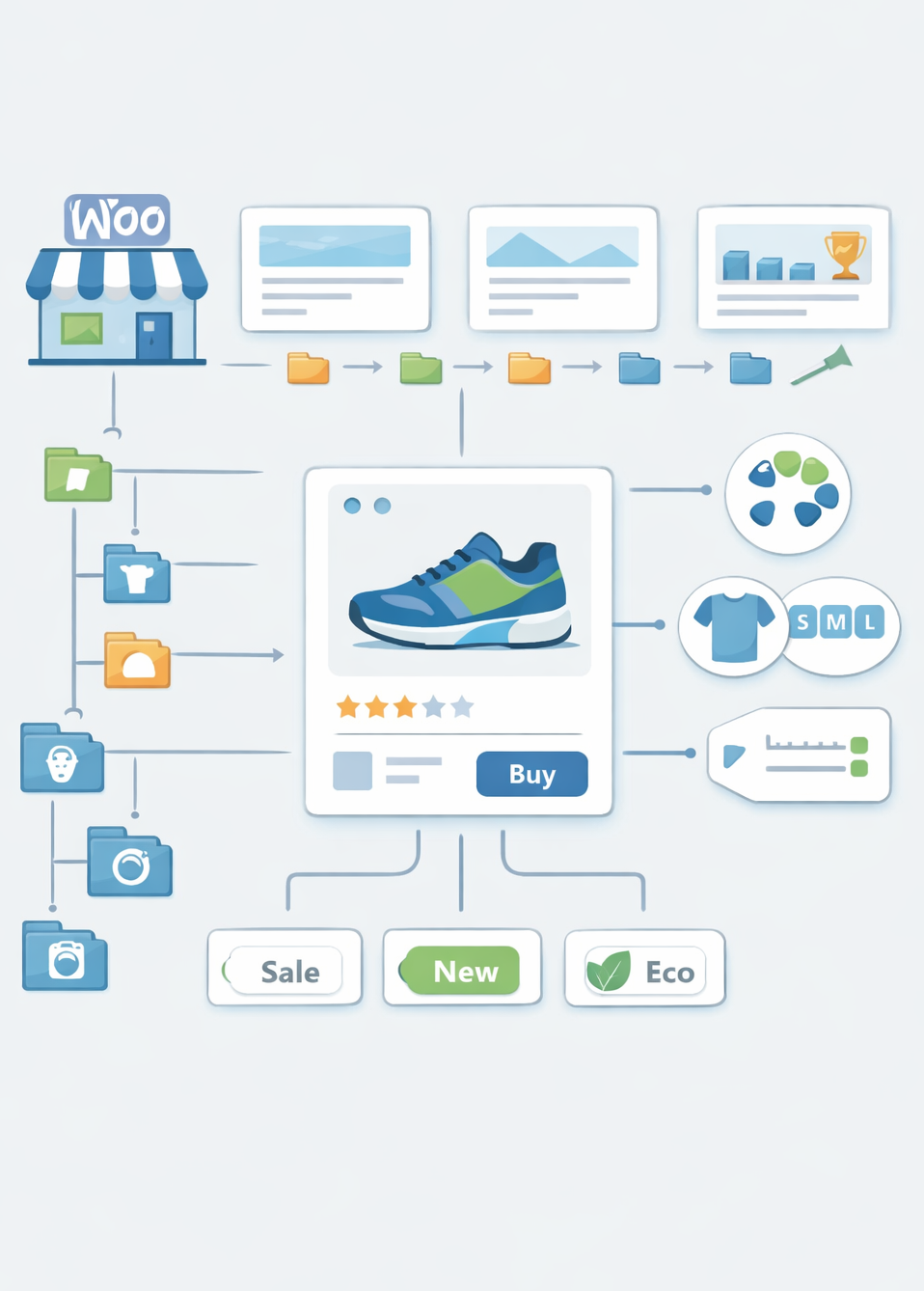
In WooCommerce, taxonomies are essential for organizing products through categories, tags, attributes, and custom classifications like brands or collections. “Smart Taxonomy” typically refers to intelligent, automated systems that suggest or assign taxonomies based on product data, reducing manual effort and improving accuracy. This can boost SEO by ensuring consistent categorization, better internal linking, and enhanced search engine understanding via schema markup.
As of 2026, plugins like Smart Category for WooCommerce or WP Smart Taxonomy automate this process, analyzing titles, descriptions, and tags to recommend relevant terms.
Implementing smart taxonomies can improve site navigation, reduce duplicate content issues, and align with Google’s emphasis on structured data for e-commerce. Below is a comprehensive guide to setting up and using smart taxonomies in WooCommerce.
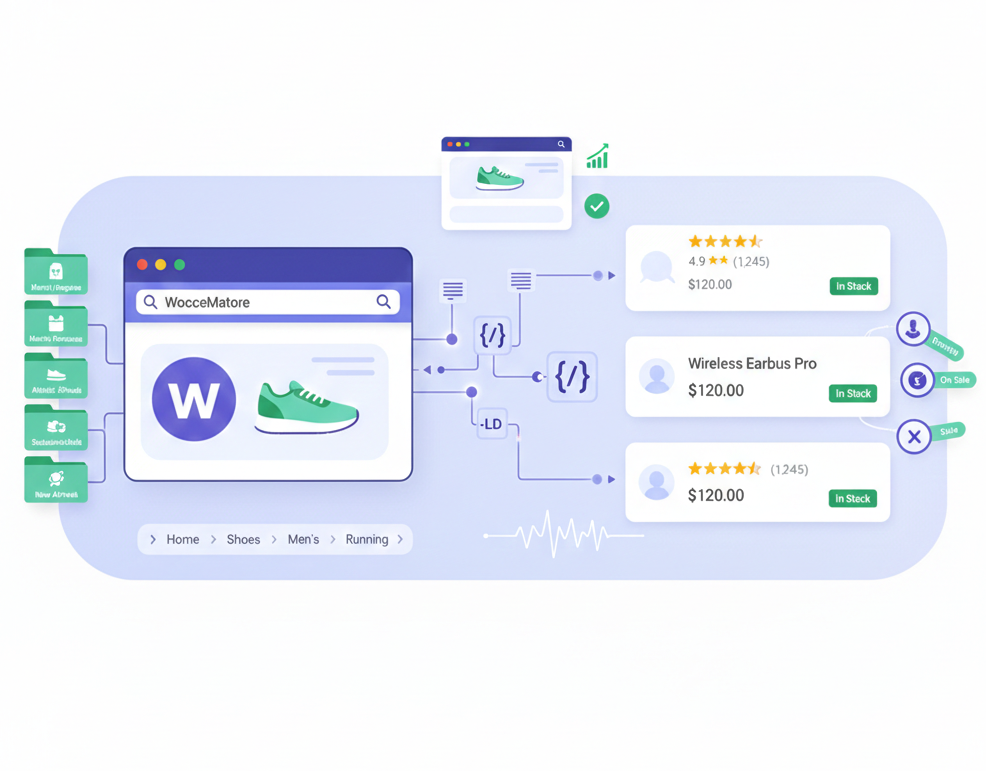
Why Use Smart Taxonomy in WooCommerce?
- Automation: Automatically suggests categories, brands, or custom terms based on product content, saving time for large inventories.
- SEO Benefits: Consistent taxonomies improve crawl efficiency, enable rich snippets (e.g., via schema), and enhance mobile search relevance.
- User Experience: Better organization leads to intuitive navigation, lower bounce rates, and higher conversions.
- Customization: Supports custom taxonomies for unique needs, like materials, collections, or brands.
- Integration: Works with coupons, filters, and themes for targeted promotions and displays.
Without smart features, manual assignment can lead to inconsistencies, especially in stores with thousands of products.
Types of Taxonomies in WooCommerce
WooCommerce uses built-in taxonomies like product_cat (categories) and product_tag (tags). Smart implementations extend to:
- Custom Taxonomies: E.g., brands, collections, materials—created via code or plugins.
- Attributes: For variations (e.g., size, color), which can be made “smart” with auto-suggestions.
- Automated Suggestions: Plugins analyze content to propose terms, reducing errors.
How to Implement Smart Taxonomy
Option 1: Using Plugins (Recommended for Beginners)
Plugins make taxonomy management intelligent and user-friendly.
- Smart Category for WooCommerce: Automatically suggests top-matching categories based on product title as you type. Supports brands and custom taxonomies. Install from the WooCommerce marketplace; configure in settings to enable auto-suggestions (shows top 5 matches in the editor sidebar). Pricing: Starts at $49/year.
- Smart Brands for WooCommerce: Adds brands as a custom taxonomy with logos, descriptions, and sliders. Free on WordPress.org; pro version for advanced displays. Recently updated to integrate with WooCommerce’s native brands in v9.6+.
- WP Smart Taxonomy: Analyzes post title, content, excerpt, and tags to auto-assign categories. Free; ideal for bulk imports or AI-like categorization.
- Setup Steps: Install plugin > Activate > Go to Products > Add New > See suggestions in taxonomy boxes. For custom filters, add to the shop sidebar via widgets.
Potential Challenges and Fixes
- No WooCommerce Template: Add theme support as above.
- Auto-Assignment Errors: Fine-tune plugin settings or add custom filters.
- Scalability: For large stores, use database optimization to handle query loads.
Smart taxonomies streamline management and enhance discoverability. If you’re referring to a specific plugin or feature, provide more details for tailored advice!
In summary, smart taxonomy transforms WooCommerce product management from a manual, error-prone task into an efficient, automated process that not only saves time but also elevates your store’s SEO performance through precise organization, rich search features, and improved user engagement.
By leveraging plugins like Smart Category for WooCommerce or custom code solutions, you can ensure consistent categorization that aligns with Google’s structured data preferences, reducing content duplication and enhancing discoverability across desktop and mobile platforms.
As e-commerce continues to evolve in 2026, adopting these intelligent systems positions your store for sustained growth, higher conversions, and a competitive edge—start by auditing your current taxonomies, implementing a plugin for quick wins, and regularly testing for optimal results.
If challenges arise or you need customization, exploring developer resources or community forums can provide further tailored insights to maximize your setup.